
How to Lock Down an OpenClaw Install
OpenClaw keeps the Gateway on the local machine and pairs unknown senders by default, while sandboxing waits for the operator. This guide covers the defaults, the documented checks and a five-point check for an install already in use.
OpenClaw ships with conservative defaults, according to the project's security guide, read on 11 September 2026. On a regular host install the Gateway, the part of OpenClaw that handles sessions, tools and chat connections, listens only on the local machine. Most chat channels answer a stranger's direct message with a pairing code before the message is processed, and group access is limited to an allowlist, usually behind a mention gate. The same guide names one command that reports whether an install has drifted from those defaults:
openclaw security auditThis guide covers what the defaults do, what the operator configures, the checks the project documents before an agent is opened to other people, and a five-point check for an install already in use.
What the defaults cover
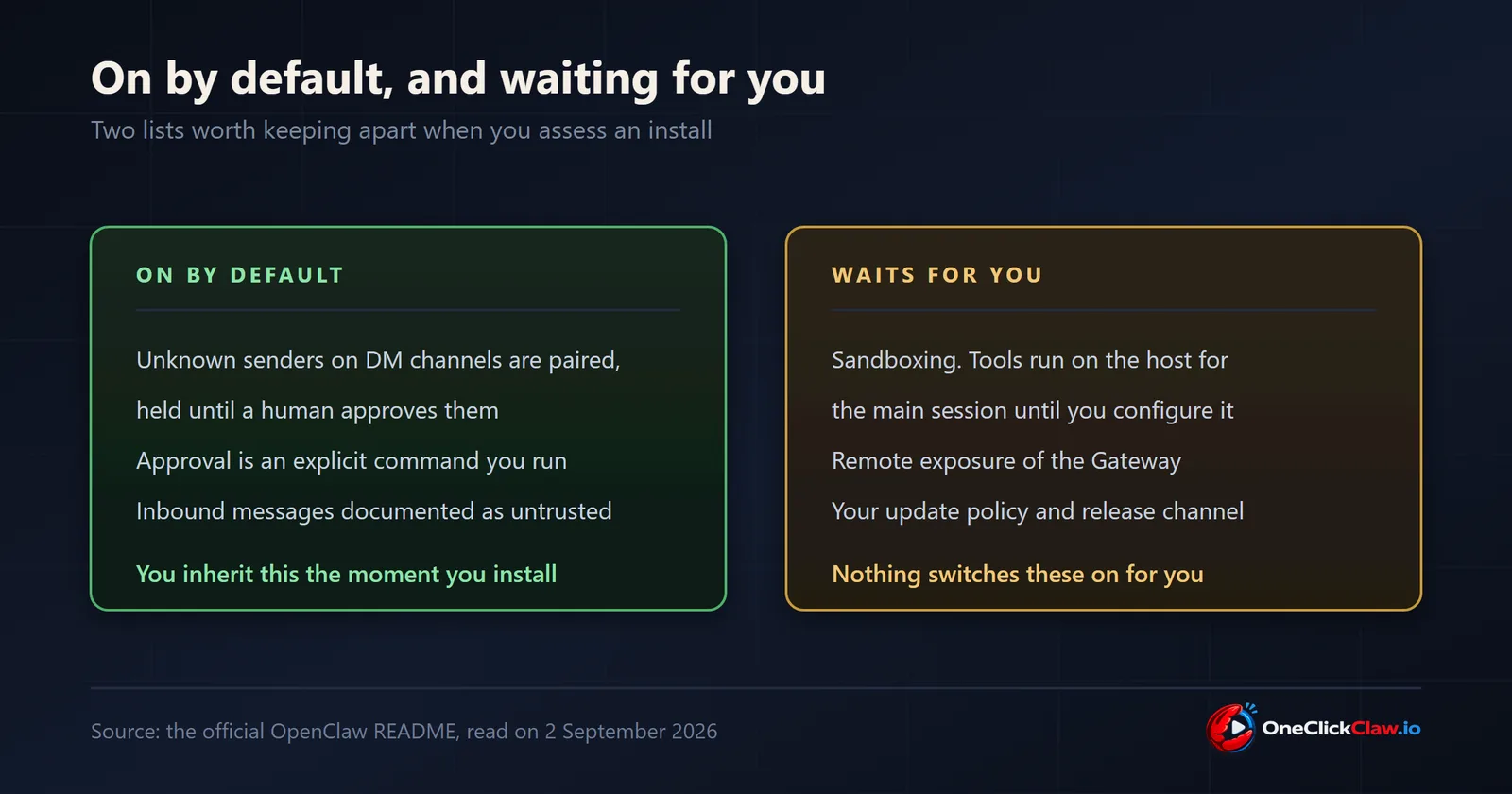
The security section of the official README opens with one instruction: treat inbound messages as untrusted input. It states that channels able to receive direct messages pair unknown senders by default, and that a pairing request is approved with an explicit command:
openclaw pairing approve <channel> <code>According to the pairing documentation, pending requests are listed with openclaw pairing list followed by the channel name, pending requests are capped at three per channel account, and an approval grants direct-message access only. Group access is authorised separately. The approved senders are stored in a file named after the channel and account under ~/.openclaw/credentials/.
The security guide lists two documented exceptions to the defaults. Container images default to an exposed bind, which the guide says to pair with authentication, following the exposure runbook. A few workspace channels trust workspace membership by default, and each channel page states its own defaults.
What the operator configures
The README states that tools run on the host for the main session unless sandboxing is configured. The sandboxing guide states that sandboxing is off by default and is controlled by agents.defaults.sandbox for every agent, or by agents.entries.*.sandbox for one agent. The documented backends are Docker, Podman, SSH and OpenShell. Tool allow and deny policies apply before the sandbox rules, so a tool denied in the policy stays denied inside the sandbox. To see what applies to a given agent or session:
openclaw sandbox explainAccording to the guide, the command reports the effective sandbox mode, the workspace, the tool policy and the configuration keys that change them.
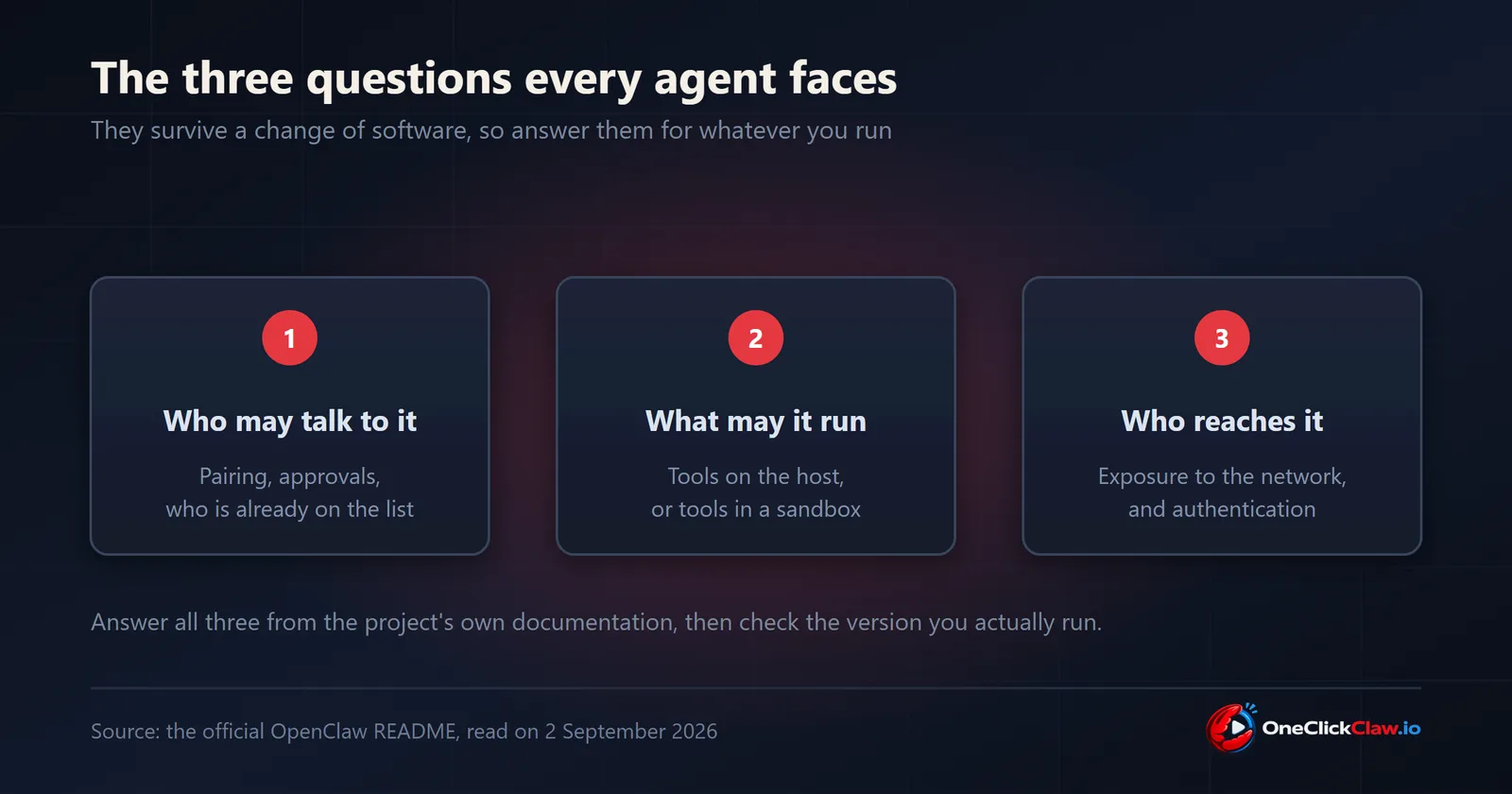
The README asks operators to read the security guide, the exposure runbook and the sandboxing guide before connecting other users or exposing the Gateway remotely. The security guide also sets the scope of that advice: it assumes one trust boundary per gateway, meaning a single operator or a team whose members trust each other. For users who do not trust each other, it recommends a separate gateway and credentials for each, ideally on separate operating system users or hosts.
The checks to run before opening access
The exposure runbook lists four baseline commands to run before an agent is opened to other people:
openclaw doctor
openclaw security audit
openclaw security audit --deep
openclaw health
The runbook says to resolve critical findings first and to accept a warning only when it is intentional and documented for that deployment. It also lists what to record about an install: the host and operating system user, the Gateway bind mode and port, with 18789 as the default, the authentication mode, every enabled channel and whether it accepts direct messages, groups or webhooks, and the tool profile and sandbox mode of every agent that outside senders can reach.
A five-point check for an install already running
- Read the running version.
openclaw update statusshows the active release channel, the current version and whether an update is available, according to the release channels documentation. Fixes ship in releases, so this number sets which fixes are in place. - Run the audit.
openclaw security audit, thenopenclaw security audit --deep, and fix critical findings first. - Confirm the exposure. Check the bind mode, the port and the authentication mode against the runbook list above, and confirm that only the intended services reach the internet.
- Decide on sandboxing. Set
agents.defaults.sandboxdeliberately, and check the result withopenclaw sandbox explain. - Review access and updates. Clear pending pairing requests with
openclaw pairing list, read the stored allowlist, and set the update channel withopenclaw update --channel stable, the channel the documentation recommends for most users.
What managed hosting changes
A managed host takes over the machine: the server, its network exposure and its upkeep. The OneClickClaw plans page, checked on 11 September 2026, lists a dedicated managed OpenClaw server for each customer in the European Union, hosted in Denmark, with automatic backups, DDoS protection and 24/7 health monitoring on every plan. The Starter plan costs 14.99 euros a month after a 7-day free trial.
Which senders to approve, which tools to allow and whether to sandbox them remain settings in the agent's own configuration, and openclaw security audit reports on them wherever the agent runs.
Frequently asked questions
- Does OpenClaw let strangers talk to my agent?
- According to the OpenClaw security guide and README, read on 11 September 2026, most chat channels answer an unknown direct-message sender with a pairing code, and access is granted only when the operator approves it, with openclaw pairing approve or in the Control UI. Group access is limited to an allowlist, usually behind a mention gate.
- Are tools sandboxed by default?
- The README states that tools run on the host for the main session unless sandboxing is configured, and the sandboxing guide states that sandboxing is off by default. It is switched on with agents.defaults.sandbox, and openclaw sandbox explain shows what applies.
- How do I check whether my install is secure?
- The security guide names openclaw security audit as the command that reports drift from the defaults. The exposure runbook adds openclaw doctor, openclaw security audit --deep and openclaw health before an agent is opened to other people, and says to fix critical findings first.
- Is the Gateway exposed to the internet by default?
- On a regular host install the Gateway listens only on the local machine, according to the security guide. Container images default to an exposed bind, which the guide says to pair with authentication. The default Gateway port is 18789, according to the exposure runbook.
- Does managed hosting make my agent secure?
- A managed host takes over the machine, its exposure and its upkeep. Which senders to approve and which tools to allow remain settings in the agent's own configuration, and openclaw security audit reports on them wherever the agent runs.
Related guides
- The Terminal Step Is Where Most People StopEvery official OpenClaw install route starts with a terminal command. This guide explains each documented command, what it assumes, how to confirm the install worked, and the managed route that removes the terminal step.
- Hermes Agent Server Requirements: The Missing NumbersThe docs have no system requirements page (issue 73754). From measured reports and our production fleet: 1 GB is a demo, 2 GB is the always-on floor, 4 GB is comfortable, local models start at 8 GB, 2 cores suffice, and 20 GB of disk keeps it boring.
- Connect Hermes Desktop to a Remote Server: The GuideHow to run Hermes Desktop as a thin client against a Hermes on an always-on server, using the remote mode documented in issue 38602: HERMES_DESKTOP_REMOTE_URL and HERMES_DESKTOP_REMOTE_TOKEN set before first launch, plus the three recorded traps.