
Subscribe to our newsletter
One short email when we publish. No spam, unsubscribe anytime.
OpenClaw 5.5 Broke Billing Quietly: What the 5.6 Fix Means for You
What happened the last 24 hours
OpenClaw 5.6, the latest update to the open-source AI agent tool, was released to clean up damage caused by the previous version. Version 5.5 had been silently switching users from subscription-based AI access to pay-per-use API billing, which could mean unexpected charges for anyone running agents at scale.
If you depend on AI agents for business work, this is a useful case study in why fast-moving open-source tools demand a backup-first habit.
What 5.5 Actually Broke
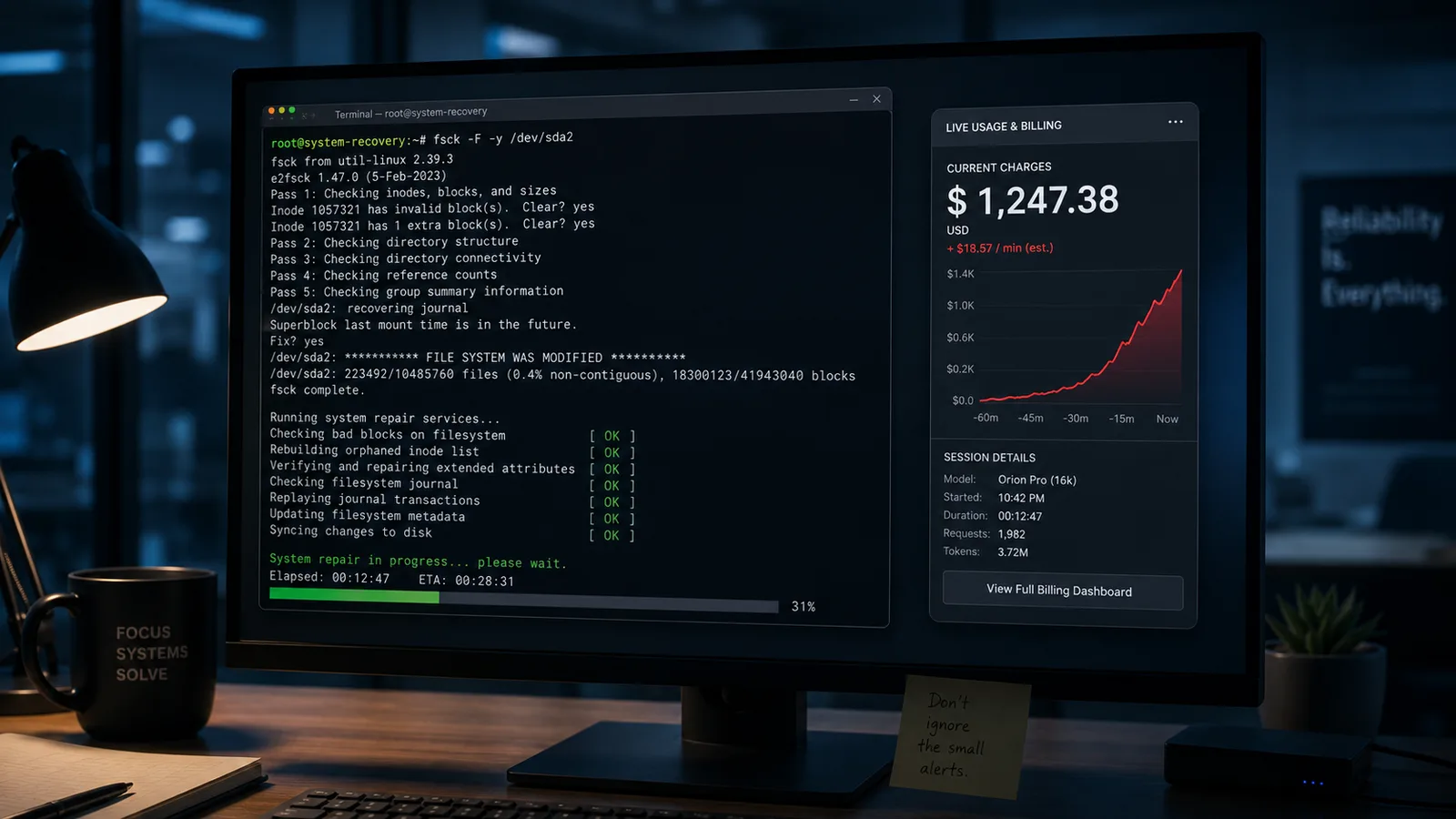
OpenClaw ships with a built-in repair utility called doctor, the equivalent of a "fix it" button you run when something stops working. In 5.5, that command started doing something it was never supposed to do: it quietly rerouted how users connect to OpenAI.
If you were paying a flat monthly fee through a ChatGPT or Codex subscription, the doctor command would switch your connection to the regular API, where you pay per message and per token. The result, according to the YouTube presenter walking through the issue, was that some users either had agents stop working entirely or kept working but on a billing model they never chose. You would not notice until the invoice arrived.
For anyone running agents that send hundreds of messages a day, the gap between subscription pricing and metered API pricing can be substantial.
What 5.6 Is Supposed to Fix
According to the presenter, 5.6 stops the doctor command from touching connection routes. Your login method is left alone.
The presenter also mentioned two smaller fixes: add-ons that were crashing because hidden metadata was being attached to requests should now work, and web page fetches that timed out should clean up properly instead of freezing the agent's task queue behind one stuck request.
One caveat. The presenter gave specific CLI commands for users whose 5.5 install rewired their OpenAI connection. We are not reprinting those commands here because we have not been able to verify them against an official OpenClaw changelog or documentation page. If you are affected, check the official OpenClaw docs directly before running anything that touches your model configuration.
The Community Is Split
The presenter said he reviewed replies to OpenClaw's update announcement on X and found roughly two camps. Some users reported that 5.6 felt faster and that dashboard logging issues had cleared up. Others said recent updates had broken their setups repeatedly, with one commenter claiming an earlier update nearly wiped an agent's memory, and another asking why model setup breaks on every update.
We were not able to independently verify those replies. Treat the community sentiment here as paraphrased from a YouTube walkthrough rather than as direct quotation from named users.
The Real Story: Speed Versus Stability
The pattern the presenter described is not unique to OpenClaw. It shows up in any open-source project that ships features daily: voice agents one week, Google Meet integration the next, file transfer and memory systems shortly after. The feature list grows fast and so does the surface area for bugs.
For a hobbyist, that trade-off is fine. For someone running a WhatsApp agent that handles customer messages, or a Telegram bot that needs to remember what a client said last week, stability matters more than the next new feature.
What This Means for You
If you use, or are evaluating, any fast-moving open-source AI agent tool, three habits are worth adopting now:
Do not chase the latest version. If your current setup works, there is no prize for upgrading the day a release drops. Wait until you have a specific reason or until the community confirms the release is clean.
Back up before every update. Save settings, conversation history, and memory to somewhere outside the tool itself. If an update breaks something, you want a known-good state to restore.
Write down which versions worked for you. If 5.2 was rock solid for your setup, note that. Knowing exactly where to roll back to saves hours when an update goes sideways.
And one broader point. If you are using AI agents for work that touches billing, like anything connected to a paid AI provider, audit your usage and your billing method after any major update to the tool managing those connections. The 5.5 incident is a reminder that a "repair" command is still software, and software can change settings you assumed were stable.
Helpful documentation
Want your own AI agent running without the setup? We host it on a dedicated EU server. Free for 7 days, no credit card.
Start your free trialGet notified when we publish new articles
No spam, unsubscribe anytime.
By subscribing, you agree to our Privacy Policy.