Subscribe to OpenClaw News
One short email when we publish. No spam, unsubscribe anytime.
Deploy Your AI Anywhere: The OpenClaw Mobile App Explained
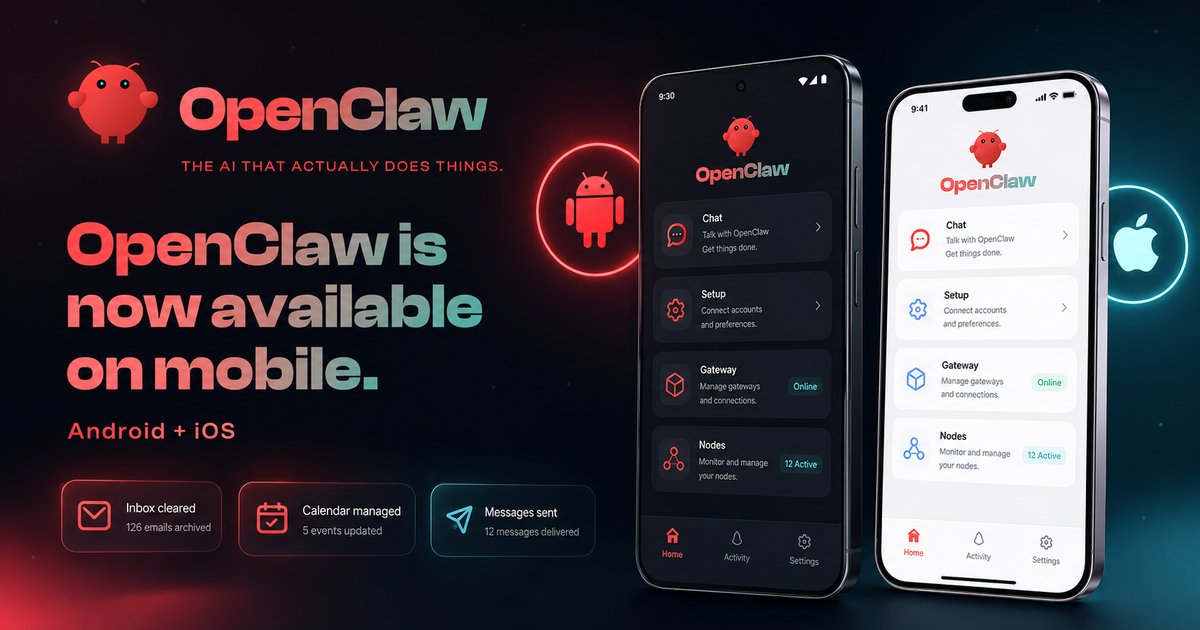
OpenClaw, the open-source AI assistant known for keeping your data on your own computer, now has an official phone app on the Apple App Store and Google Play. According to the reporting, it went live on June 29, 2026. The catch: early reviews have been rough, and the app does not work on its own.
Here is what that actually means for someone thinking about installing it.
The app is a remote, not the assistant itself
This is the part the source flags as the most common point of confusion. The phone app does not contain the AI. The actual assistant still has to be running on a Mac, Linux, or Windows computer you control. OpenClaw calls that home-base computer the Gateway.
Think of the Gateway as the kitchen and your phone as the waiter. The phone takes your request, walks it back to the kitchen, and brings the answer out. If you do not already have OpenClaw set up on a computer somewhere, the app has nothing to talk to.
Setup, on paper, is quick: open the app, scan a QR code or type a short code, and your phone pairs with your Gateway. From that point on, the two stay in direct contact, and your messages do not get routed through any OpenClaw company servers. That direct link is the whole point: the privacy promise that made people interested in OpenClaw in the first place carries over to the phone.
What it can do on your phone
Once paired, the app is more than a chat window. With your permission, it can plug into the things already on your phone.

- On iPhone: access to photos, contacts, calendar, and reminders, plus the ability to share a link or image from another app straight into the assistant.
- On Android: you can summon it the way you summon Google Assistant ("Hey Google, ask OpenClaw…"), forward notifications to it, and let it use the camera.
- Voice: two modes. One sends a message each time you pause speaking. The other keeps listening continuously, which is useful when your hands are busy.
The pitch is straightforward. Until now, walking away from your desk meant walking away from your assistant. The app closes that gap.
The launch has been bumpy
The reporting is honest about this part, and it deserves attention. Early users have complained about clunky design, a confusing setup, and pairing that simply fails for some people. The source describes the Google Play rating as low and quotes users calling the app buggy and even "unusable" at launch. No specific star rating or review count is cited, so treat that as a general signal rather than a precise score.
None of this is unusual for a first release, especially one trying to do something this ambitious. But it is worth knowing before you install it expecting a finished product.
A few things worth verifying yourself
The reporting leaves some gaps that anyone considering the app should check directly in the App Store and Google Play before downloading:
- The current star rating and number of reviews, which will have moved since launch.
- The latest update notes, since bug fixes in the first few weeks of a release usually matter more than the launch-day reviews.
- Whether your specific computer setup is supported as a Gateway.
What This Means for You
If you are already running OpenClaw on a computer and you have wanted it on your phone, the app is free and worth trying. Pair it, test it for a day, and see if the connection holds. You lose nothing if it does not.
If you are new to OpenClaw, do not start with the phone app. Get the Gateway running on your computer first, get comfortable with it, then add the phone as a second screen later. The app is a companion, and it only makes sense once the main thing is working.
And if you want a polished, no-fuss mobile AI experience right now, this is not it yet. Give it a few update cycles. The idea is sound. The first version just needs time to settle.

Helpful documentation
Get notified when we publish new articles
No spam, unsubscribe anytime.
By subscribing, you agree to our Privacy Policy.