
Subscribe to our newsletter
One short email when we publish. No spam, unsubscribe anytime.
Deploy AI Agents Across Every Chat App From Your Own Machine
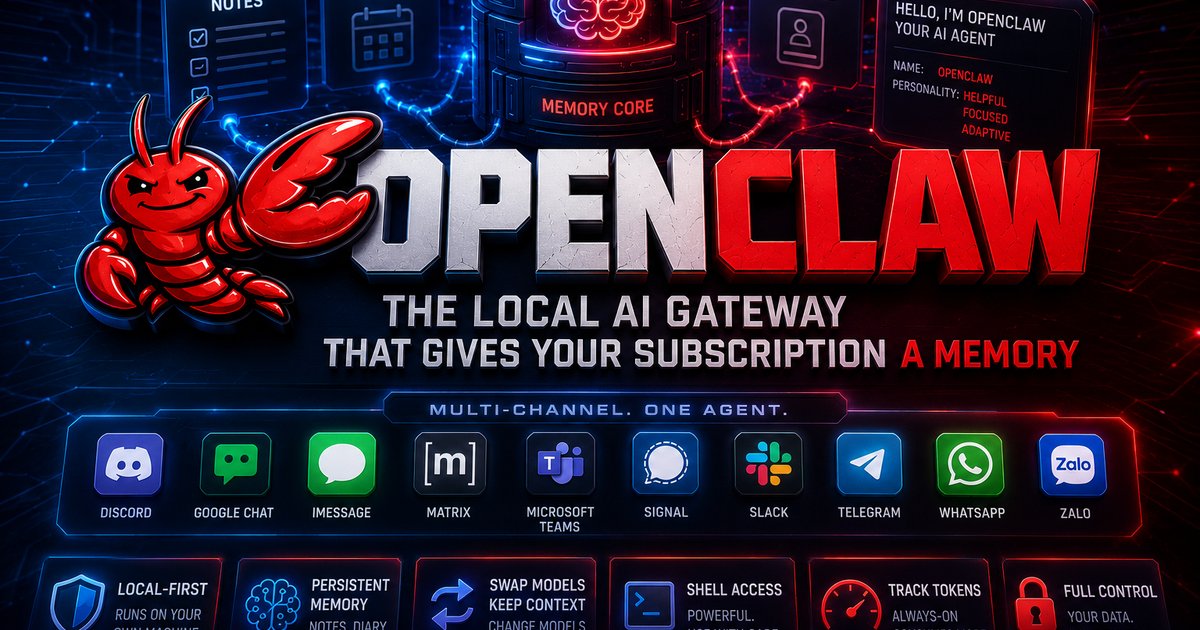
OpenClaw: The Local AI Gateway That Gives Your Subscription a Memory
OpenClaw is one of the more interesting open-source projects we are tracking right now. It runs on your own machine and turns whatever AI subscription you already pay for, ChatGPT, Claude, or a local Ollama setup, into a multi-channel agent with persistent memory.

The pitch is simple. Most chat tools forget you the moment you close the tab. OpenClaw keeps notes, a per-day diary, and a "soul" file that defines the agent's name and personality. Swap the underlying model mid-project and your context survives. That alone makes it worth a serious look for anyone running real work through an AI subscription rather than casual queries.

Multi-channel by default
The gateway connects to Discord, Google Chat, iMessage, Matrix, Microsoft Teams, Signal, Slack, Telegram, WhatsApp, and Zalo. You can talk to your agent through a browser dashboard, or pull it into the messaging app your team already lives in. WhatsApp as a front-end for a memory-equipped AI is a feature most commercial tools still do not offer cleanly.

What the repo confirms
The official GitHub repo describes OpenClaw as a local-first gateway, a single control plane for sessions, channels, tools, and events. Installation runs through npm, with Node 24 (or Node 22.16+ LTS) as the recommended runtime. Skills, plugins, and scheduled tasks are part of the architecture. The much-discussed "dreaming" sub-agent feature appears in community threads but lacks a clean primary-source changelog, so treat it as promising rather than locked spec.

Worth knowing before you install
Two caveats matter. First, give the agent shell access only on a machine you can afford to wipe. Second, watch your token spend. An always-on agent burns credits faster than a chat window, and that bill adds up quickly if you forget it is running.

If you want your own OpenClaw running without the setup, the token-watching, or the shell-access risk, you can rent one fully managed at OneClickClaw.io.
Source: www.youtube.com
Helpful documentation
Want your own AI agent running without the setup? We host it on a dedicated EU server. Free for 7 days, no credit card.
Start your free trialGet notified when we publish new articles
No spam, unsubscribe anytime.
By subscribing, you agree to our Privacy Policy.