
Subscribe to OpenClaw News
One short email when we publish. No spam, unsubscribe anytime.

Deploy Your Own AI Agent: One Developer's 87-Task Experiment
A developer living in Spain has published a running log of 87 tasks he handed off to an AI computer-use agent since January, and the list is one of the more honest field reports of what these tools can and cannot do today. It starts with him asking the agent to check his disk space. It ends with him running a home NAS, a remote server, and his own invoicing pipeline through the same assistant.
The author uses a personal setup he calls OpenClaw. He notes it is separate from the vendor's stack in some places and integrated in others, and readers should not assume it is the same as any commercially branded product with a similar name. What matters is the shape of the work, not the label.
From "check my disk" to running a server
The early entries are almost comically small. Open Hacker News in Firefox. List the aliases in a shell config file. Mute the computer. The author says he started this way on purpose, tiptoeing to see what the agent could actually reach on his machine.
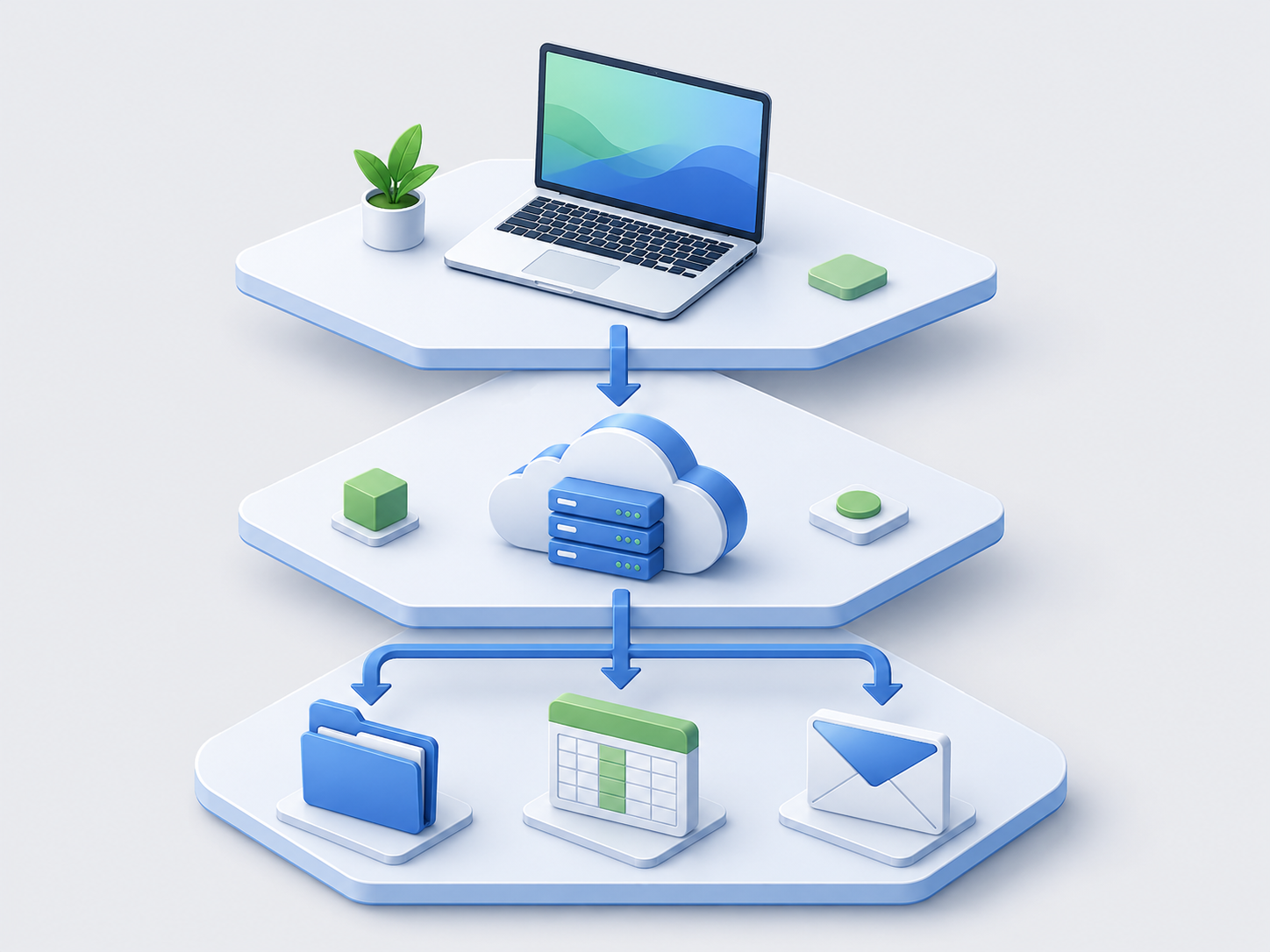
Within a few weeks the tasks compound. He points the agent at an SSH alias in his shell config, and from there it connects to a rented server, installs Docker, and stands up an n8n workflow instance (n8n is a tool for chaining together automations, similar in spirit to Zapier but self-hosted). Later he has it stop containers, pull new images, wire in an nginx web server, and configure automatic HTTPS certificates through Cloudflare. He still had to touch DNS settings by hand.
The pattern here is the interesting part. Each new capability is built on top of something the agent already knows how to reach. Once it has SSH access and a password vault, the next task is not a new problem, it is a variation.
The wins that actually saved time
A handful of tasks in the list stand out because they produced a concrete, measurable result rather than a vague "it worked."
- Shell startup, 5.3 seconds down to 0.78. The agent profiled his terminal startup, found that a Node.js version manager was eating 61 percent of the time, and rewrote the config to load it only when needed.
- 106.8 GB of disk reclaimed. His MacBook was down to a few gigabytes of free space. The agent traced the missing storage to Homebrew (which was really a forgotten 58.9 GB MySQL table he had exported months earlier), Android and iOS developer tools, a screenshot pile, and Claude Code's own cache.
- Parsing 2,386 email files. He wanted transactions pulled out of exported bank emails. The agent wrote a Python script on the fly and dumped the results into an Excel file. An earlier attempt at 200 PDFs was less clean because the categorization step depended on merchant names that were too vague to classify reliably.
- Invoice workflow. A single prompt handled duplicating a Word template, updating an invoice number, exporting to PDF, adding a row to a spreadsheet, creating a folder, finding the client's email in Gmail, and sending it as an attachment.
- Home NAS over Tailscale. He turned an old Dell laptop into network storage accessible from anywhere, working through Mac-specific quirks with the SMB file-sharing protocol by disabling multichannel support.
These are the entries where the author gives numbers. Most of the other 82 items are one-line anecdotes with no timing, no cost, and no comparison to doing it by hand.
The failures are the useful part
The log is more valuable than a typical vendor case study because the author records what did not work.
Anti-bot defenses beat the agent repeatedly. Grocery orders through Mercadona, a Spanish supermarket chain, only went through after switching to a managed Chrome session, and a third-party agent browser was blocked by reCAPTCHA. Downloading tax receipts from his bank failed at the two-factor code step, both with his own setup and with a competing tool that made 100 tool calls before giving up. A gift search for his wife ended with him just using Google.
Longer tasks hit context limits. A Datadog logging integration failed partway through because the agent ran out of working memory and hit provider rate limits. Some integrations broke on tiny environmental details: an n8n code bundle could not be found because it lived in a Dropbox folder that was not synced locally.

Some things simply never got solved. Configuring Dropbox on Arch Linux in a custom path defeated every model he tried. A daily logbook in the Mac Notes app worked once and never again.
What actually makes this work
Read across the 87 entries and a few practical rules emerge, most of them stated by the author himself at the end.
Start with the smallest possible task and let the agent's reach grow. He calls this Gall's law, the idea that complex systems that work are always grown from simple systems that work. His shell-alias task in week one is what let his server-provisioning task in month two even be possible, because the agent already knew how to reach the server.
Give the agent a real toolbelt, but scope it. He set up a dedicated password vault (Bitwarden) with credentials only for the systems the agent is allowed to touch, and an environment variable that lets it lock and unlock the vault. He mentions abandoning a Postman integration because it would have exposed too many environment variables at once. The lesson is that access control is not a nice-to-have, it is what lets you use the agent for anything real.
Plan before you execute. He tells the agent to write a requirements document and a plan for anything longer than a few steps. This is not ceremony. It is the difference between an agent that half-finishes a two-part task (as happened when it forgot the second research item on his ClickUp queue) and one that reports back on both.

Prompt around the model's tendency to quit. He says non-Anthropic models in particular are more likely to give up on the first tool-call failure, and that a phrase like "try looking for other options if it doesn't work, don't give up on the first attempt" changes the behavior. This is worth knowing before you conclude that a model "cannot" do something.
The unglamorous truth about computer-use agents
The honest read of this list is that computer-use agents in late 2025 are useful, unreliable, and heavily dependent on the human wiring them up. They shine at compound tasks that would take a person an hour of switching between Word, Excel, Gmail, and a folder tree. They struggle whenever a website has decided it does not want bots, whenever two-factor authentication enters the picture, or whenever a task runs long enough to exhaust the model's context window.
They also require a level of setup that most people underestimate. The author is a working developer with an SSH server, a self-hosted automation platform, a password vault, a task tracker, and Tailscale. His agent is powerful because his environment is already scriptable. Drop the same tool into a computer with nothing but a browser and Microsoft Office and you will get a much smaller version of this list.
What This Means for You
If you are thinking about handing repetitive computer work to an AI agent, the useful takeaways from this field report are concrete.
- Pick one boring, repeatable task first. Not the ambitious one. The one you do every Friday that involves three apps and a spreadsheet. That is where you will get a real time saving and learn the tool's limits without high stakes.
- Assume anti-bot defenses will block the flashy stuff. Groceries, banking, and airline sites are the hardest, not the easiest. If your target task involves logging into a consumer site with a two-factor code, plan on doing that step yourself.
- Give the agent its own credentials, not yours. A separate password vault with only the logins it needs is the difference between a useful assistant and a security incident waiting to happen.
- Write plans, not one-shot prompts. For anything with more than three steps, ask the agent to draft the plan first, read it, then tell it to execute. This is the single change that most improves reliability.
- Track your own numbers. The tasks in this log that felt like wins are the ones with a before-and-after: seconds saved on shell startup, gigabytes reclaimed, minutes saved on invoicing. Without those, you will not know whether the agent is actually helping or just entertaining you.
The agent is not going to replace your workflow. It is going to reveal which parts of your workflow were scriptable all along and which parts are stubbornly human. Both answers are worth having.
Helpful documentation
Get notified when we publish new articles
No spam, unsubscribe anytime.
By subscribing, you agree to our Privacy Policy.