

Run OpenClaw 24/7: keep your agent online all the time
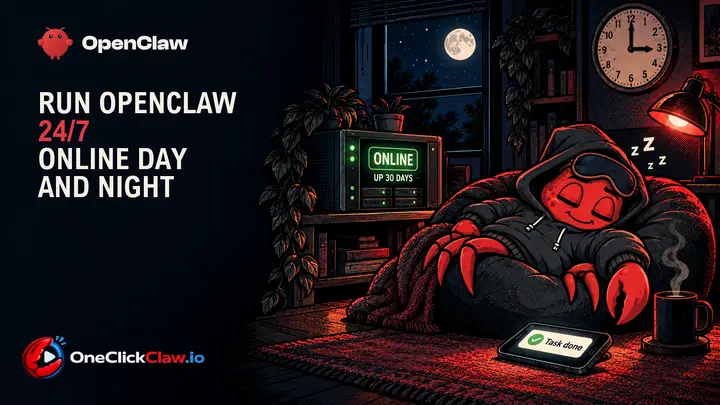
Keep your OpenClaw agent online day and night. The four ways to run it 24/7, eight screens that show it is awake, tips found inside the interface and the mistakes new users make.


Everything you need to set up, secure and run your OpenClaw, written in plain words.
Keep your OpenClaw agent online day and night. The four ways to run it 24/7, eight screens that show it is awake, tips found inside the interface and the mistakes new users make.
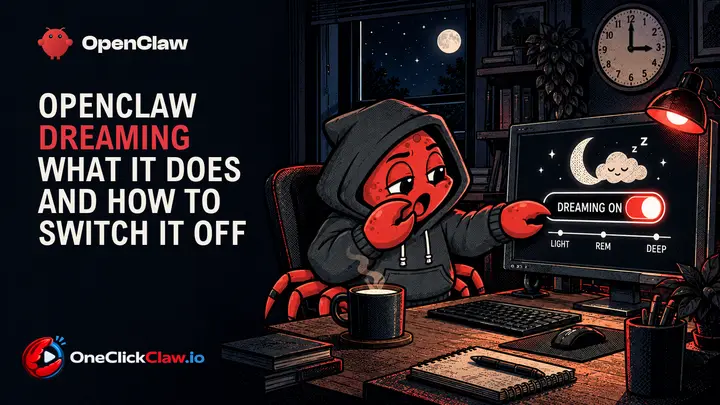
OpenClaw dreaming tidies your agent's memory every night at 3 in the morning. A beginner guide with a screenshot for every step: what it does, what it costs and where the switch is.
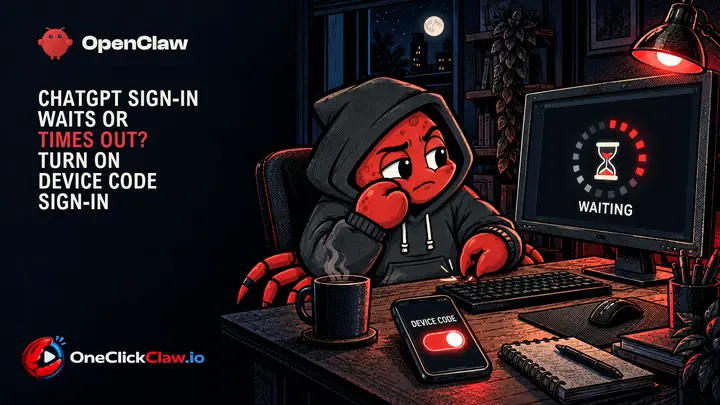
A hosted agent signs in to ChatGPT with a one-time code, and ChatGPT accepts those codes only after one switch in its security settings is on. This guide shows the switch, how to sign in again on the crab (OpenClaw) and on Hermes, and what each message means.
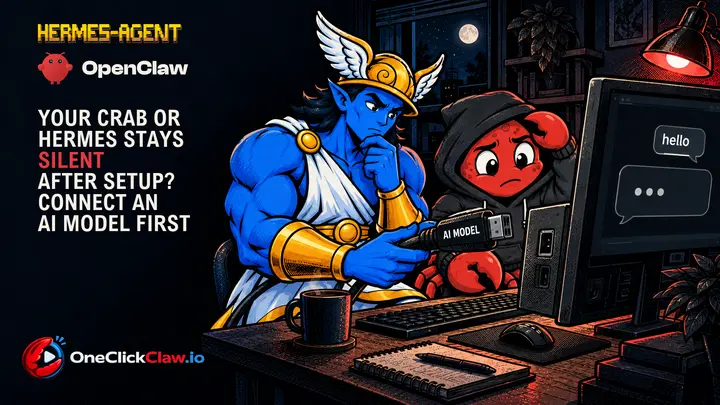
A freshly built server runs the agent, and the agent waits for an AI model. Until a model answers one test request, every chat stays quiet. This guide shows where that one step lives for the crab (OpenClaw) and for Hermes, where an API key comes from, and what to check when the silence stays.

OpenClaw and Hermes Agent both need an AI model to think with. This guide lists twelve ways to connect one, by API key, by subscription sign-in or on your own machine with Ollama, with what each costs in a month.
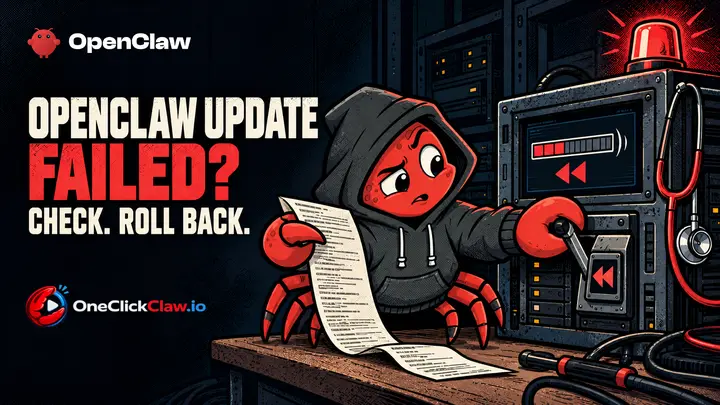
When an OpenClaw update stops halfway, the program has usually put the old version back on its own before you even read the message. Your job is to read what it wrote down, fix the one thing it named and run the update again. This guide walks through that in order, using the official OpenClaw documentation and the project's public issue tracker, both read on the 6th of October 2026.
OpenClaw keeps the Gateway on the local machine and pairs unknown senders by default, while sandboxing waits for the operator. This guide covers the defaults, the documented checks and a five-point check for an install already in use.
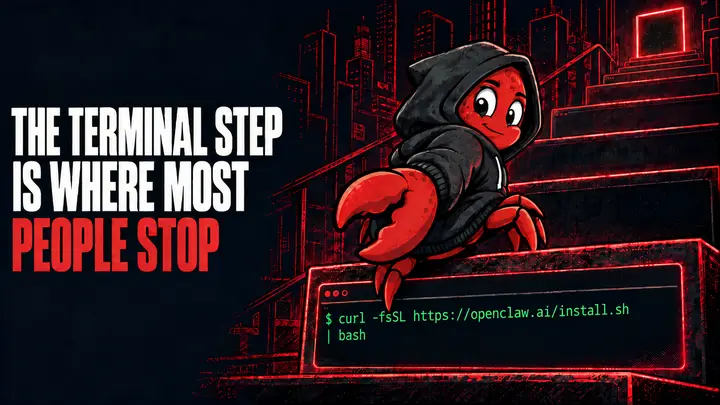
Every official OpenClaw install route starts with a terminal command. This guide explains each documented command, what it assumes, how to confirm the install worked, and the managed route that removes the terminal step.
Looking for the other agent? Hermes Agent guides