
Hermes Agent Memory Not Working: What Breaks It
Four documented reasons Hermes Agent memory looks broken: the frozen snapshot loaded at session start, the 2,200 and 1,375 character limits, issue 85622 where an external provider suppresses the built-in files, and two agents sharing one home directory.
When Hermes Agent memory looks broken, the cause is usually one of four things: a design choice that surprises people, a size limit that quietly crowds facts out, an open bug involving external memory providers, or two agents writing over each other. Each one is documented, three in the official memory guide and one in the project's issue tracker in August 2026. This page explains which is yours and what to do about it.
The short version for someone who just wants their agent to remember: the memory usually works. It loads at the START of a session, so anything saved mid-conversation shows up in the next conversation. That single fact explains most "it forgot" reports.

How the memory actually works, in four sentences
Hermes keeps two files under ~/.hermes/memories/: MEMORY.md for the agent's own notes about your environment and habits, and USER.md for your profile. The memory guide states that both are injected into the system prompt as a frozen snapshot at session start, captured once and never changed mid-session. New facts save to disk immediately through the agent's memory tool, which adds, replaces or removes entries on its own. They become visible to the agent the next time a session begins.
What this means for you: telling the agent something and testing it in the same conversation tests the wrong thing. Save the fact, start a fresh chat, and ask again. If it answers correctly, the memory was never broken.
The limits that crowd old facts out
The same guide documents two size caps: memory_char_limit: 2200, about 800 tokens and typically 8 to 15 entries, and user_char_limit: 1375, about 500 tokens and typically 5 to 10 entries. When the files outgrow the caps, older or lower-value entries stop making it into the prompt.
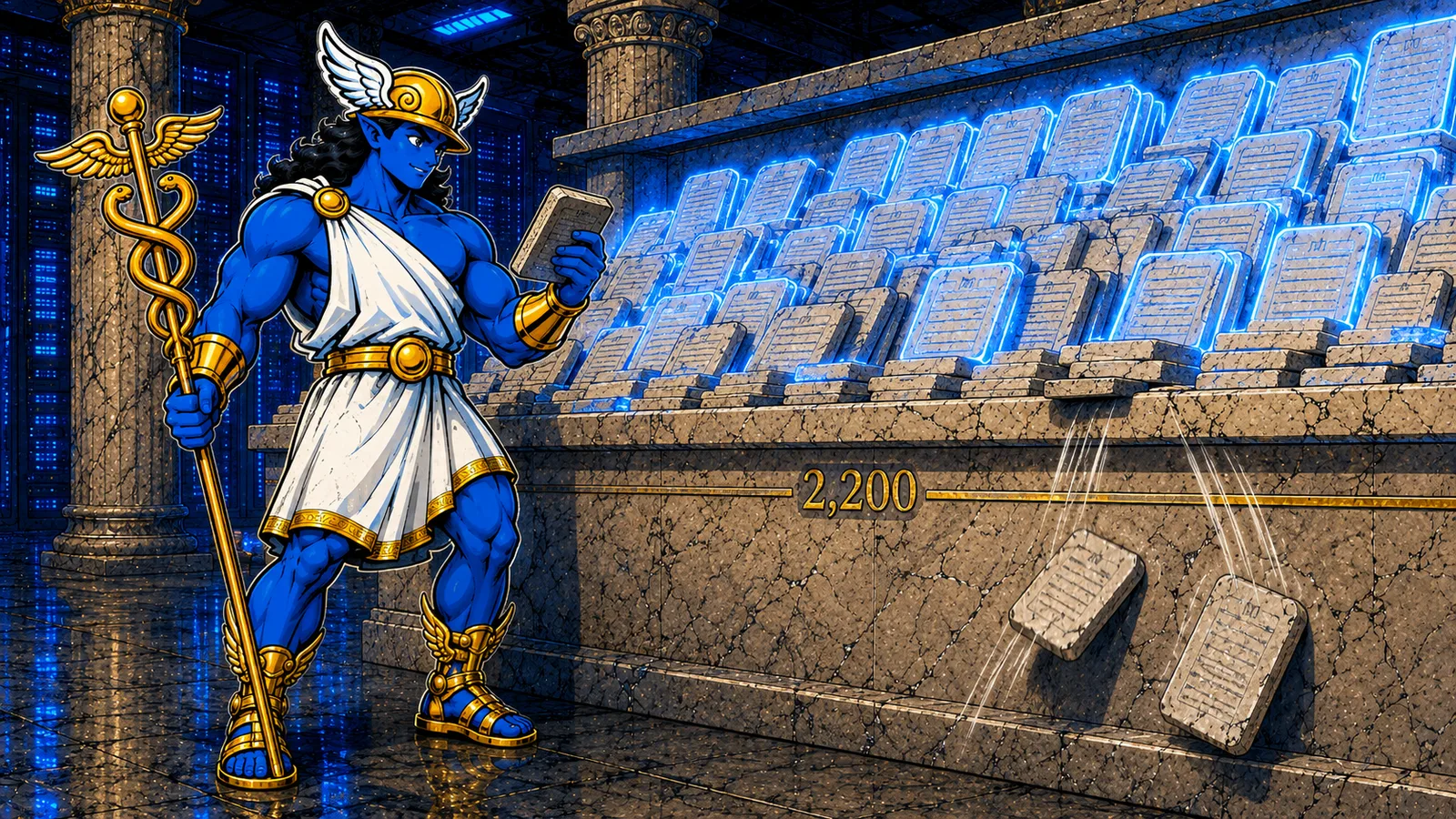
What this means for you: an agent that remembered something for weeks and then stopped may have learned enough new facts to push the old one below the line. Open MEMORY.md in any editor and look. It is a plain text file. Trim what no longer matters, or ask the agent to remove entries it no longer needs, and the crowded-out facts come back.
The open bug: external providers silencing the built-in files
Hermes supports external memory providers, tools like Honcho or Mem0 that add semantic search on top of the built-in files, and the documentation promises they are additive and run alongside the built-in memory without replacing it. On August 13, 2026, issue 85622 reported the opposite behaviour, verified with the AutoMem provider in mode both: on a new chat, the system prompt carried the provider's recall block while the built-in MEMORY.md and USER.md content was missing. The issue remained open at the end of August 2026.
What this means for you: if your memory problems began the day you added an external provider, this bug is the first suspect. The test is quick: disable the provider, start a new session, and see whether the agent knows its old facts again. If yes, you have a decision to make until the fix lands, richer search or reliable built-in notes.
Two agents, one home folder
The memory guide carries one warning in bold: two agent processes pointed at the same Hermes home directory will compound conflicting memory entries. Each process writes its own view of the truth into the same files.

What this means for you: run each agent with its own profile and its own home directory. If two agents genuinely need shared knowledge, the guide's recommendation is an external provider built for sharing, with each agent keeping its own private files.
The ten-minute check, in order
- Fresh-session test: save a fact, open a new chat, ask. Mid-session recall is the wrong test by design.
- Read the file: open
~/.hermes/memories/MEMORY.md. Confirm the fact was actually written. - Measure the size: past roughly 2,200 characters, entries start competing. Trim.
- Suspect the provider: external provider active? Disable, new session, retest. Issue 85622 is open.
- Count the processes: one home directory, one agent. Shared folders corrupt slowly.
Memory is the reason people run Hermes as a long-lived agent on a server in the first place: the notes accumulate as long as the machine stays up. For the bigger picture of what the memory system can hold, our news desk covered it on August 24, 2026 in Hermes Has a Memory. Almost Nobody Uses It Right. And if you would rather the machine, the backups and the uptime were someone else's job while the memories stay yours, managed Hermes Agent hosting comes with a 7-day free trial and no card required.
Sources: the official Hermes Agent memory guide and Hermes Agent issue 85622, reported August 13, 2026. Character limits and file paths are quoted from the guide as published in August 2026.
Frequently asked questions
- Why does Hermes Agent forget what I told it?
- Memory is injected as a frozen snapshot at session start and never changes mid-session, per the official memory guide. A fact saved during a conversation becomes visible in the next session. Test in a fresh chat before concluding anything is broken.
- Where does Hermes Agent store its memory?
- In two plain text files under ~/.hermes/memories/: MEMORY.md for the agent's notes and USER.md for your profile. Both can be opened and edited in any editor.
- How big can Hermes Agent memory get?
- The documented defaults are memory_char_limit 2200, roughly 8 to 15 entries, and user_char_limit 1375, roughly 5 to 10 entries. Past the caps, older or lower-value entries stop making it into the prompt.
- Can two agents share the same memory?
- The memory guide warns against pointing two agent processes at the same Hermes home directory, because they compound conflicting entries. Give each agent its own profile, and use an external memory provider when knowledge genuinely has to be shared.
Related guides
- Hermes Gateway Keeps Restarting: 3 Measured CausesThree documented reasons a Hermes Agent gateway restarts, with the commands that confirm each: gateway memory growth (issue 58817), dashboard OOM on 1 GB servers (issue 14898), and disk growth from updates (issue 58172).
- Hermes Agent Not Responding on Telegram: 4 FixesFour documented reasons a Hermes Agent goes silent on Telegram: a stopped gateway, an authorization gap, a model under the 64K context floor (issue 24140), and a model retired by the provider, plus the stuck typing indicator that only looks like a hang (issue 28004).
- OpenClaw 2026.8.1 to 2026.9.2 Upgrade Crash Loop: The Fix OrderTwelve upgrade reports were filed against OpenClaw 2026.8.1 and against the 2026.9.1 to 2026.9.2 path between August 31 and September 7, 2026. This page groups them by symptom, quotes the command each reporter used, and gives the order that avoids discovering the blockers one restart at a time.
- Hermes Install Fails on Ubuntu 24.04: The Fix OrderThree open Ubuntu reports (issues 88529, 89343, 87460) describe silent install.sh failures. The fixes: install the official prerequisites plus libatomic1 before the script, give the Chrome for Testing download real time, then hermes doctor.