
Subscribe to our newsletter
One short email when we publish. No spam, unsubscribe anytime.

Hermes Has A Memory. Almost Nobody Uses It Right.
Watch what people are teaching about Hermes Agent right now and a pattern shows up fast. A skills walkthrough published on 10 August has 104,872 views. A memory tutorial from 7 August has 62,606. Six separate channels shipped a memory video in three weeks. The whole conversation has moved to one question: why does my agent keep forgetting?
That is a good sign. It means people got past installation and hit the wall behind it.
Most of those videos show you what the memory system is. Fewer show you the order to do things in, which is where people actually get stuck. So here is the setup, in four steps, in the order that works. Each step takes a few minutes. Do them once and the agent stops asking you the same questions.
We run Hermes on our own boxes at OneClickClaw before any of it reaches a customer, so this comes from the official documentation plus what we have measured ourselves. Where the two disagree, we say so.
Step 1: Read what your agent already believes
Start by looking, before you change anything.
Hermes memory lives in two files inside ~/.hermes/memories/. MEMORY.md holds what the agent learned about your environment, your conventions, the lessons it picked up along the way. USER.md holds your profile: how you like to be spoken to, what you expect from it.
Open both. Then run hermes journey list to see the memory nodes the agent has recorded, and hermes session list to search past conversations, which live in a separate store entirely.
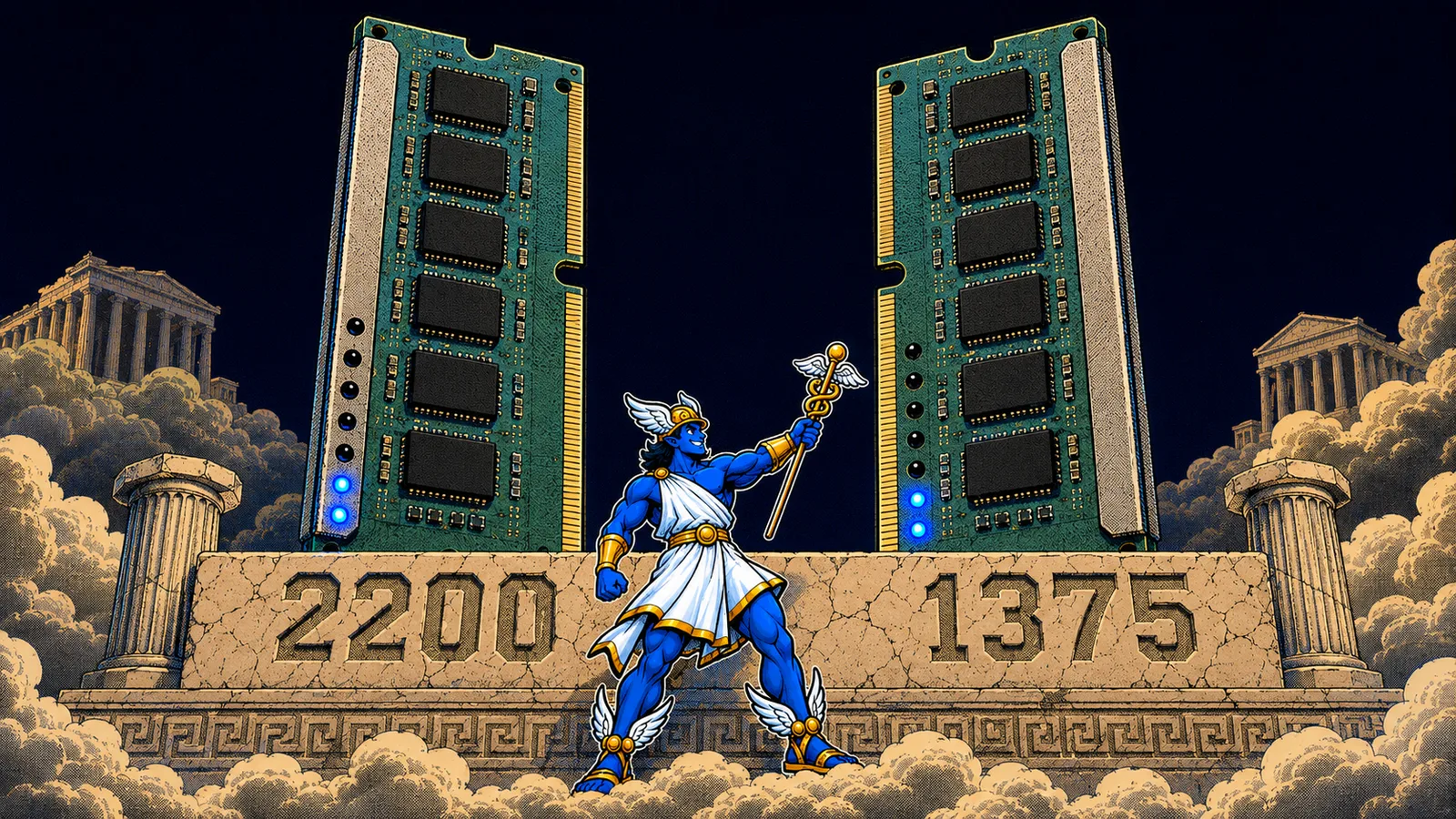
Now the number that changes how you think about all of this. MEMORY.md is capped at 2,200 characters, roughly 800 tokens. USER.md is capped at 1,375 characters, about 500 tokens.
Read those two numbers again. They are correct. Together the files are shorter than this article.
The cap is enforced, and the docs are explicit about how: both files are curated, so when a new entry does not fit, the system rejects that entry and leaves everything already written exactly where it is. Older facts stay put.
Treat it as the sticky note on your monitor. It carries the handful of things you need in front of you every single morning. Everything bigger belongs in step 3.

Step 2: Put the right facts in, and approve them yourself
Now you decide what earns a place on that note.
Good candidates: the language and framework you work in, the deployment target, the one convention you correct every week, the way you want answers formatted. Facts that are true across every conversation.
Poor candidates: anything about one specific task, anything that changes weekly, anything long. Those belong in a session or a skill.
By default the agent writes to memory on its own judgement. Take that decision back:
# ~/.hermes/config.yaml
memory:
  write_approval: true
With that set, every proposed entry waits in a queue for your review before it reaches the file. Read the queue with /memory pending and approve what deserves the space. To remove something later, hermes journey delete .
One timing detail that trips up almost everyone. Both memory files load as a frozen snapshot into the system prompt at the moment a session starts, and stay fixed for the rest of it. A write at 3pm hits the disk immediately, and the agent sees it in its own prompt at the start of the next session.
That is a cost decision. Rewriting the prompt mid-session throws away the prefix cache and you pay for the whole conversation again from the top.
So the test is: tell your agent to remember something, restart the session, then ask.

Step 3: Turn every repeated workflow into a skill
Memory holds facts. Skills hold procedures. Once you have step 2 working, everything you were tempted to cram into MEMORY.md goes here instead.
A skill is a SKILL.md document in ~/.hermes/skills/, the single source of truth for the whole system. The format follows the open agentskills.io standard, so a skill travels to any tool that reads it. Every installed skill automatically becomes a slash command.
The fast way to make one is /learn, and it accepts almost anything:
/learn the REST client in ~/projects/acme-sdk, focus on auth + pagination
/learn https://docs.example.com/api/quickstart
/learn how I just deployed the staging server
That third line is the one people miss. Walk the agent through a job once, in conversation, then tell it to learn what you just did. It writes the procedure up as a repeatable skill on its own.
Point /learn at something large, a book or a whole docs folder, and it changes shape. It authors a knowledge-base skill: a lean SKILL.md with the core mental models and an index, plus one distilled file per topic under references/. Run it again on the same topic later and the new material folds into the skill that already exists.
The cost model is what makes this safe to do often. Skills load in three levels. Level 0 lists every skill by name and description, around 3,000 tokens for the whole catalogue. Level 1 loads one full skill, only when the agent decides it needs it. Level 2 pulls a single reference file. So a hundred skills cost you a list, and you pay for contents on the day you use them.
Step 4: Keep it clean, weekly
Three habits keep the whole thing healthy, and each one takes seconds.
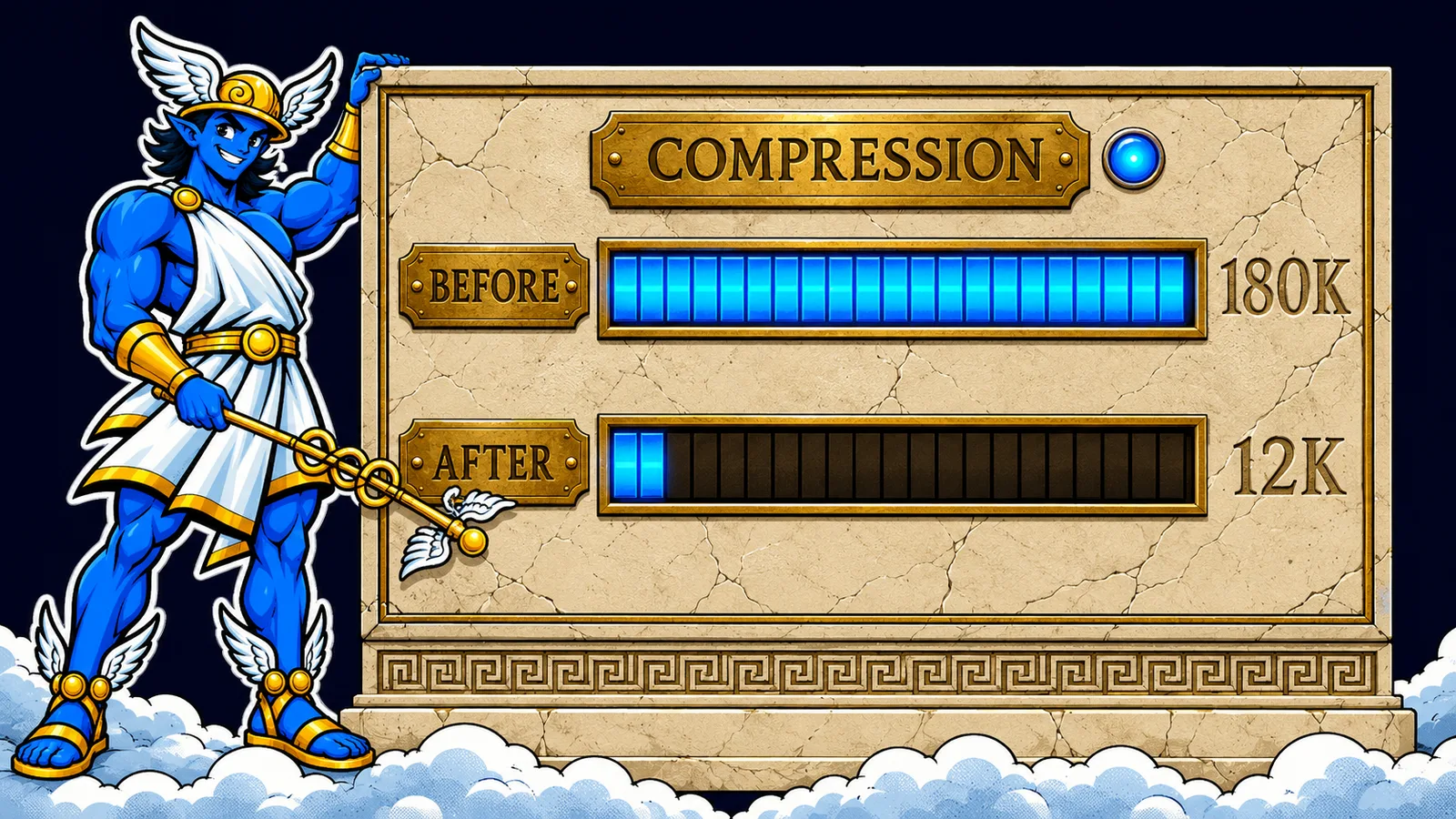
Compress long sessions. Context accumulates and context is what you pay for. Run /compress before you hit the ceiling. Check where you stand with /usage, or /insights for a thirty day view.
One agent per profile. Running two agents against a single profile causes memory conflicts immediately, and it is the most common mistake in the official troubleshooting page. When you need a second, hermes profile create gives you an isolated instance with its own config and sessions.
Control what gets seeded. Every hermes update adds newly bundled skills to your profile. To keep a profile lean, hermes skills opt-out stops future seeding while every file already on disk stays untouched. Adding --remove deletes bundled skills only when they are byte-identical to what Hermes installed, so anything you edited or wrote yourself is kept.
Two things to know before you run an update. Hermes follows a single moving line: hermes update tracks origin/main, and a checkout pinned to a specific version gets detached and moved onto it. We verified that end to end on our own sandbox on 14 August. The upstream code has since grown real guards, and an update that fails to move the code now says so out loud and exits with an error. Find out which of those two behaviours your install has before you trust it.
Since version 0.20.4 on 18 August, skill installs also get an advisory NVIDIA SkillEvaluator scan for licence and security issues. It is advisory. Read what it tells you.
All four steps are straightforward. Keeping the box under them healthy is the work that never ends, and it has nothing to do with whatever you wanted the agent for in the first place.
OneClickClaw is managed hosting for your own Hermes agent on a dedicated EU server. SSL, firewall, isolation, monitoring, updates and backups are handled, and you bring the AI subscription you already pay for. Your memory files and your skills stay on your own machine, under your own account.
Start with the 7 day free trial at oneclickclaw.io. No credit card. Paid plans start at EUR 14.99 a month.
Source: hermes-agent.nousresearch.com
Helpful documentation
Want your own Hermes agent running without the setup? We host it on a dedicated EU server. Free for 7 days, no credit card.
Start your free trialGet notified when we publish new articles
No spam, unsubscribe anytime.
By subscribing, you agree to our Privacy Policy.