
Subscribe to our newsletter
One short email when we publish. No spam, unsubscribe anytime.
OpenClaw 2026.9.6: updates that report back and chats that survive a restart
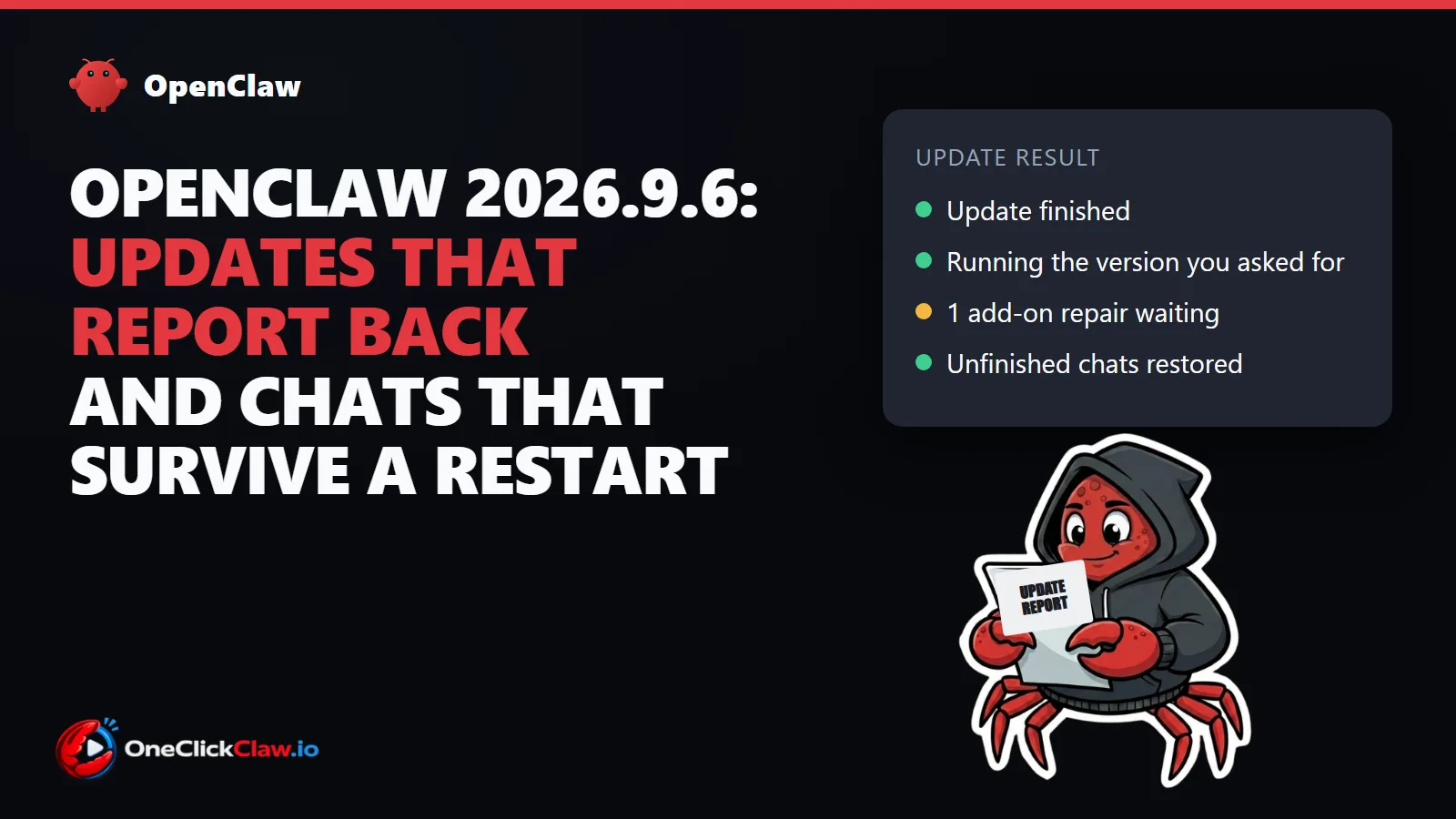
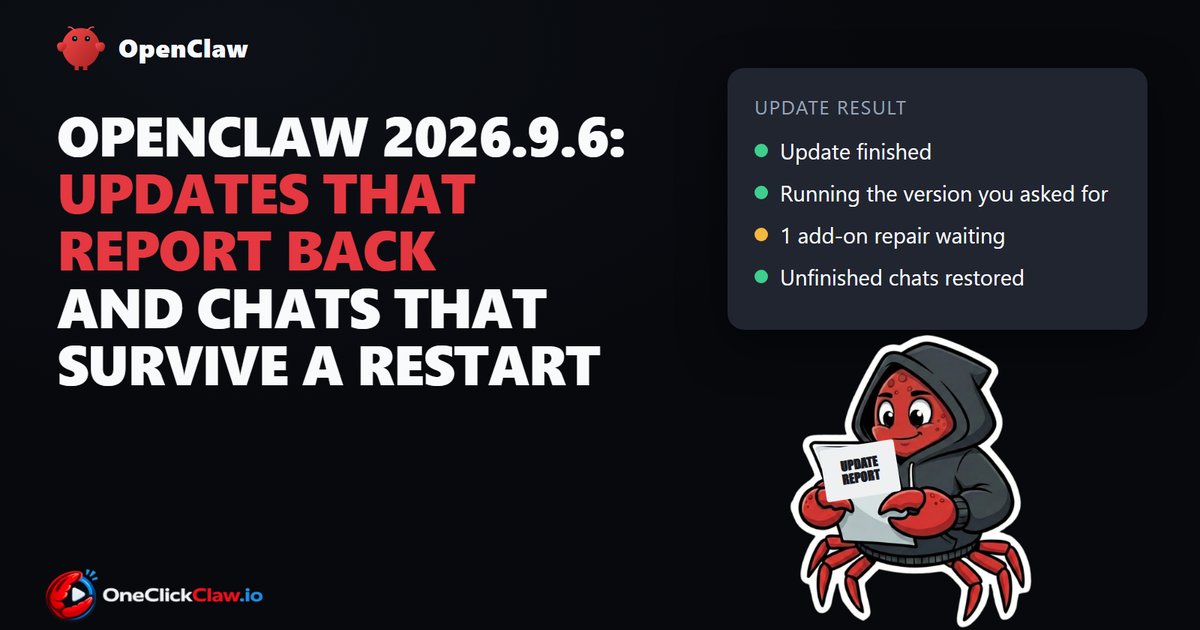
OpenClaw released version 2026.9.6 on September 23, 2026. The two changes most users will notice happen around an update. The update now says exactly what happened, and conversations cut off by a restart come back with their history. According to the release notes, the version gathers 2,614 changes from 350 contributors.
OpenClaw is the free, open source AI agent that people run on their own computer or server and talk to through chat apps. The official OpenClaw account on X announced the release the same night.
What changes when you press update
The release notes published on September 23 describe three new behaviours in the update process.
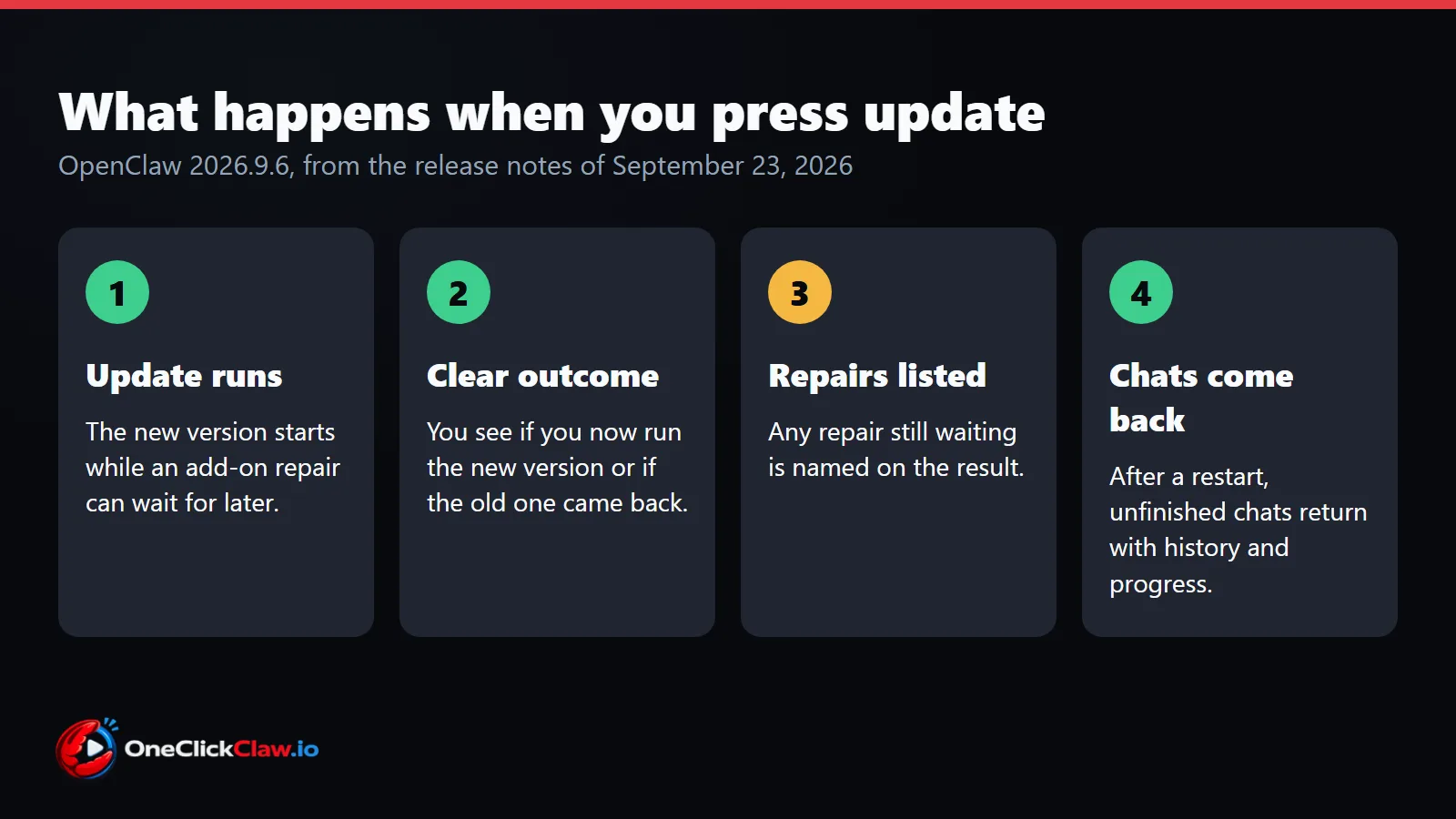
First, an update can finish even when an add-on, which OpenClaw calls a plugin, still needs a small repair. The new version keeps running and the repair waits for later.
Second, the result names the version you ended up with. It tells apart two outcomes: you now run the version you asked for, or the old version was put back. It also lists any repair that is still waiting.
Third, a failed update leaves a report. The report names the step that failed and the likely cause, such as a full disk or a missing permission. Personal details are removed from it. The notes say the report explains a failure and leaves the fixing to the user.
Two smaller changes sit next to these. Add-ons that a user changed by hand are kept through the update. Two update jobs can no longer run over each other.
Conversations come back after a restart
The same notes describe a feature the project calls restart recovery. After a restart, an unfinished conversation returns with its saved history, its progress and the results of the tools it had used. A short notice says that a restart took place.
Sometimes the main agent hands parts of a job to helper agents, called subagents. After a restart it now checks what those helpers already finished, and whether an action already took effect, before it repeats anything. A conversation the user stopped on purpose stays stopped.
Restarts also give running work more time. A planned restart lets active tasks finish before OpenClaw closes. A forced restart normally allows up to five minutes.
Extra machines that update themselves
Some people run extra OpenClaw machines without a screen, called headless nodes, to take work from a main installation. From this release, packaged headless nodes update themselves while they are idle, according to the release notes. They check once an hour and wait at least 12 hours between updates. If the new version fails to start, they go back to the previous one. The setting is on by default and can be switched off.
How this follows the September 19 release
The previous version, 2026.9.5, came out on September 19, 2026. Its notes introduced Atomic Updates, which test the next version on a private copy of your setup before switching over. OneClickClaw covered it in OpenClaw 2026.9.5 adds teams, live voice and checked updates.
Version 2026.9.6 keeps that check and adds the clear outcome, the list of pending repairs and the failure report. The advice in both sets of notes is the same: make a backup and confirm it works before updating, because going back to older software does not bring back data.
New models in the menu
The release adds three model families. A model is the AI brain the agent uses to read and write. Each company charges per million tokens, and a token is a small piece of text.
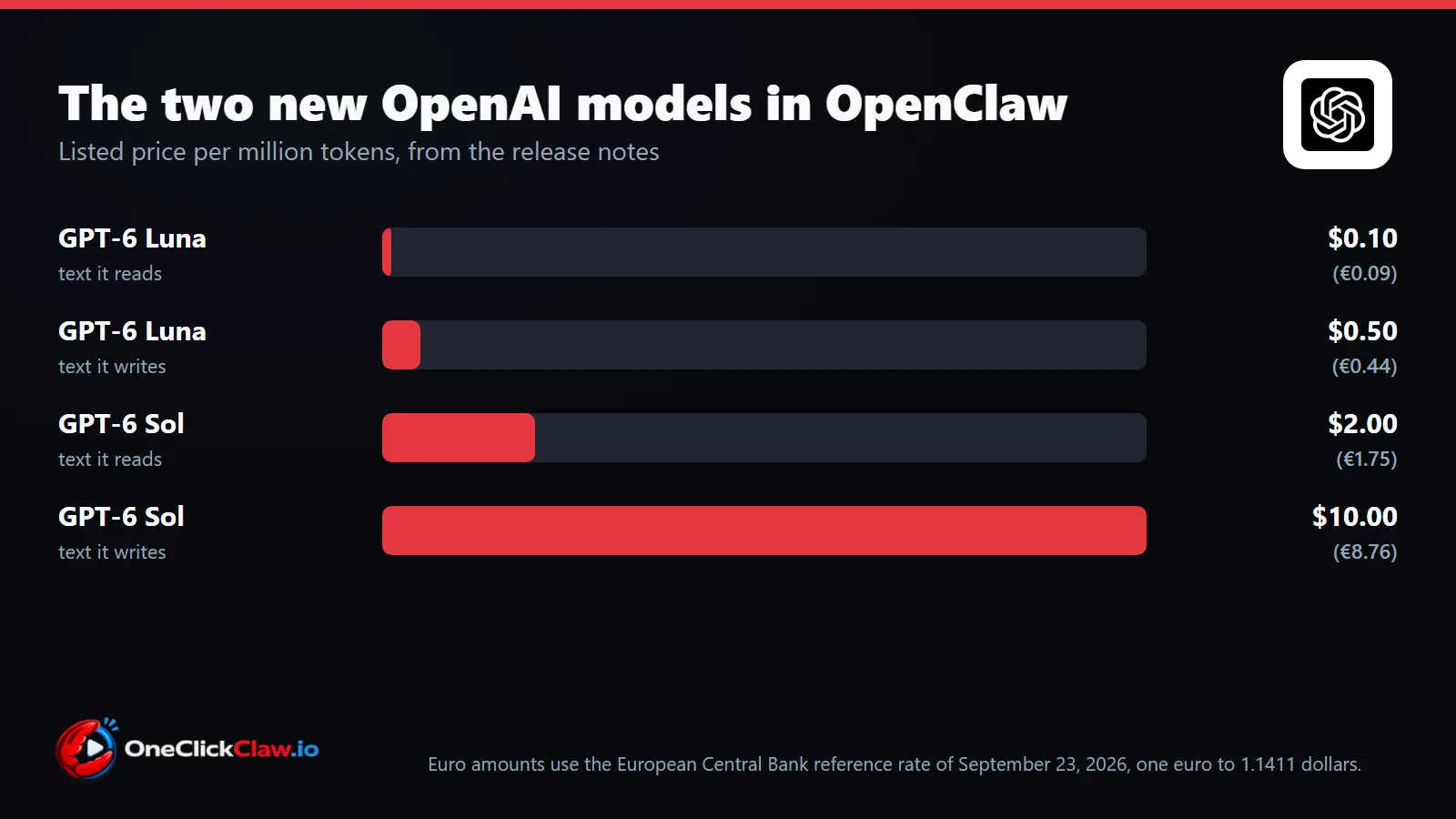
The release notes list prices for the two OpenAI models. The euro figures use the European Central Bank rate of September 23, 2026: 1 euro to 1.1411 US dollars.
| Model | Made by | Text read, per million tokens | Text written, per million tokens |
|---|---|---|---|
| GPT-6 Luna | OpenAI | $0.10 (€0.09) | $0.50 (€0.44) |
| GPT-6 Sol | OpenAI | $2.00 (€1.75) | $10.00 (€8.76) |
Claude Opus 5.5 from Anthropic and Grok 4.7 from xAI are also selectable. The release notes print no price for either. A model already chosen by a user stays as it was.
The rest of the release
The usage page now opens on the last 30 days. It shows tokens, estimated costs and number of sessions, split by the person who started the work. A GitHub reader shows public discussions and code changes beside the chat. Workspaces on a remote machine gain Files, Memory and Skills, and meeting notes keep updating while a recording continues.
Decision models also arrive as an option. They let add-ons pick between choices or give a score. The first one, called Jev, comes from a company named TypeSafe as a separate add-on. It is off by default, and TypeSafe charges for its use.
Why updates matter for an agent that never sleeps
An agent that answers at any hour lives on a machine that stays on. That machine also has to take updates while conversations are open, which is where restart recovery and clear update results come in. OneClickClaw runs OpenClaw for each customer on a server of their own, around the clock. The Starter plan costs €14.99 a month and comes with a 7-day free trial.
Source: OpenClaw 2026.9.6 release notes, OpenClaw releases on GitHub, OpenClaw on X, European Central Bank reference rates.
Source: docs.openclaw.ai
Helpful documentation
Want your own AI agent running without the setup? We host it on a dedicated EU server. Free for 7 days, no credit card.
Start your free trialGet notified when we publish new articles
No spam, unsubscribe anytime.
By subscribing, you agree to our Privacy Policy.