
Subscribe to our newsletter
One short email when we publish. No spam, unsubscribe anytime.
OpenClaw's Next Release: Control UI, Multiplayer Gateways and a One Click Mac Setup
The people who build OpenClaw held their weekly public call this week and did something they rarely do. They opened a laptop and demonstrated the unreleased version live, on screen, for the best part of an hour. Three of them walked through the pieces that are almost finished.
Here is what is coming, in plain language, and what each piece changes for anyone already running an agent.
The release is close, and the wait was deliberate
The next version is, in the team's own words, incredibly close. The trickle of highest priority bugs is down to a minimum. Everyone at the OpenClaw Foundation and the outside contributors are running the unreleased code every day. What is left is described as tightening the release machinery rather than writing features.
The wait has been long and it was a choice. Look at the public release channels today and the stable line is still 2026.7.1, while the only 2026.8 build published so far is a beta, 2026.8.1-beta.2, which appeared on 15 August. The team says it has gone over a month without a stable release on purpose.
The reason is a change in who depends on this software. OpenClaw began as something people played with. It is now something organisations build on, Microsoft among them, and the team says it has to behave like a critical piece of infrastructure. That means slowing down and being careful.
Two details explain why an OpenClaw release is harder than most. It is not one package going out, it is roughly a hundred plugins that all have to ship together. And the team now generates a maturity scorecard automatically, a rating from zero to one hundred across every surface of the product, so a bug in a long settled part such as the WhatsApp channel is weighted very differently from a bug in something that shipped last month.
What that means for you. When this version does arrive you get more than a month of daily changes at once, already lived in by the people who wrote them.
The browser window became the whole workshop
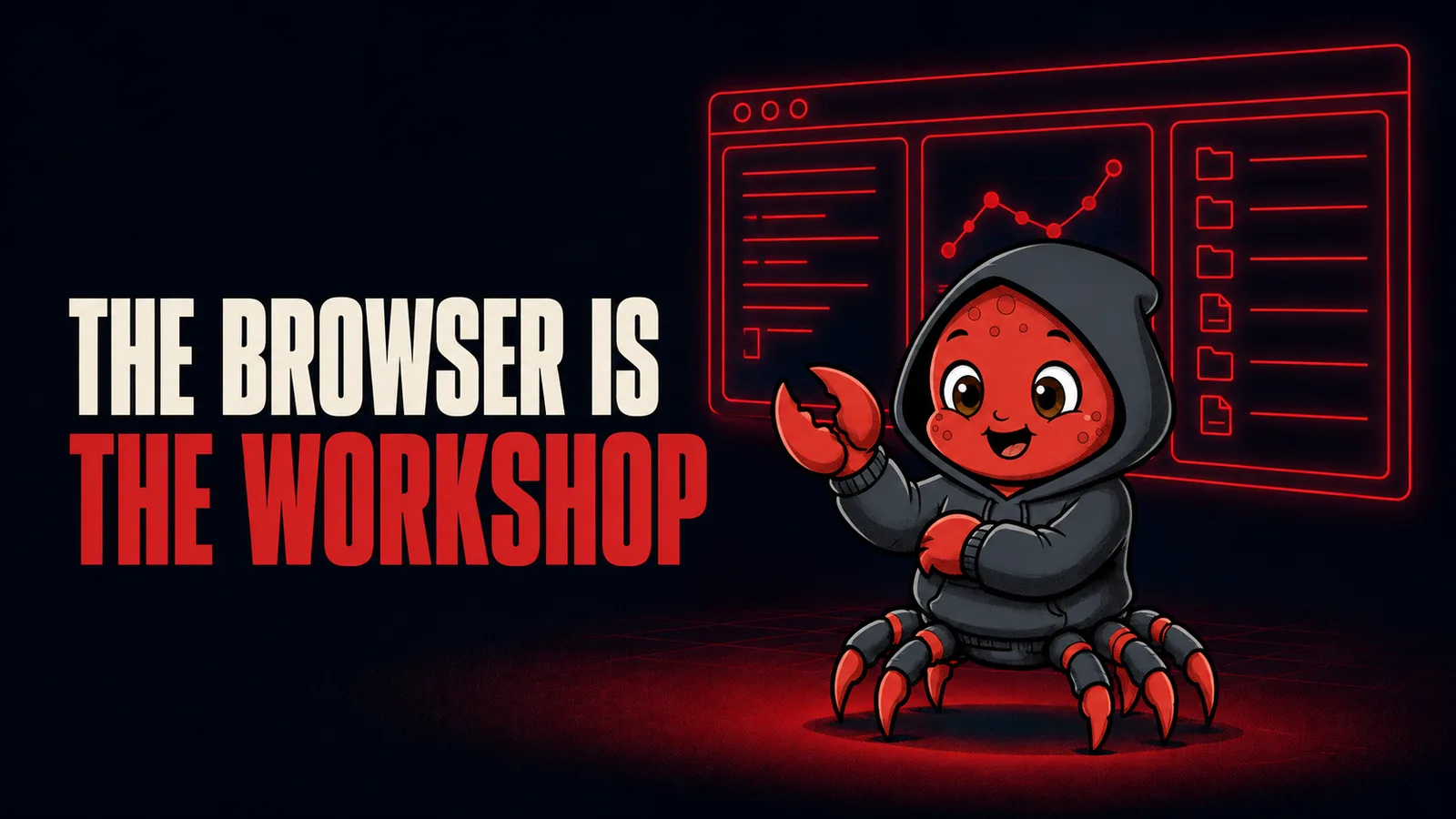
The single biggest piece of work in this release is the interface you open in a browser. It used to be called the web UI. It is now the Control UI, and it has been rebuilt from a place where you watch the work into a place where you do it.
What is inside it now: a terminal that reaches the host machine, browser control, and a view onto the desktop of the computer the agent runs on, which works even when that computer sits in a data centre rather than under your desk. Session management, of course. A guided flow where one agent helps you set up another. And, in its final polish, the ability to attach a separate remote machine and start sessions that run over there instead, so a heavy job can be handed to a big server while you carry on.
One developer put it plainly on the call: you can now do in a browser roughly what you would do in a dedicated coding tool, inside OpenClaw. Another said that OpenClaw 3.0 is, in effect, the Control UI.
Then there are dashboards. You ask the agent for a widget in ordinary words, the agent writes the code, and the widget appears in your interface. The team's own example: they wanted to watch how long their build pipeline was taking, so it was prompted into existence during a stand up meeting, wired through the automations feature to check every ten minutes, and it now nags them in chat whenever builds get slow. Another widget, the daily claw, gives a rundown of everything that happened in the project that day.
What that means for you. The agent is not sitting there refreshing your dashboard. It writes the code once, and that code then runs on a schedule. So the dashboard is exactly as alive as the machine underneath it. On a laptop that closes at night, a widget set to check every ten minutes checks nothing between midnight and morning.
One gateway, a whole team, and sessions you can hand to somebody else
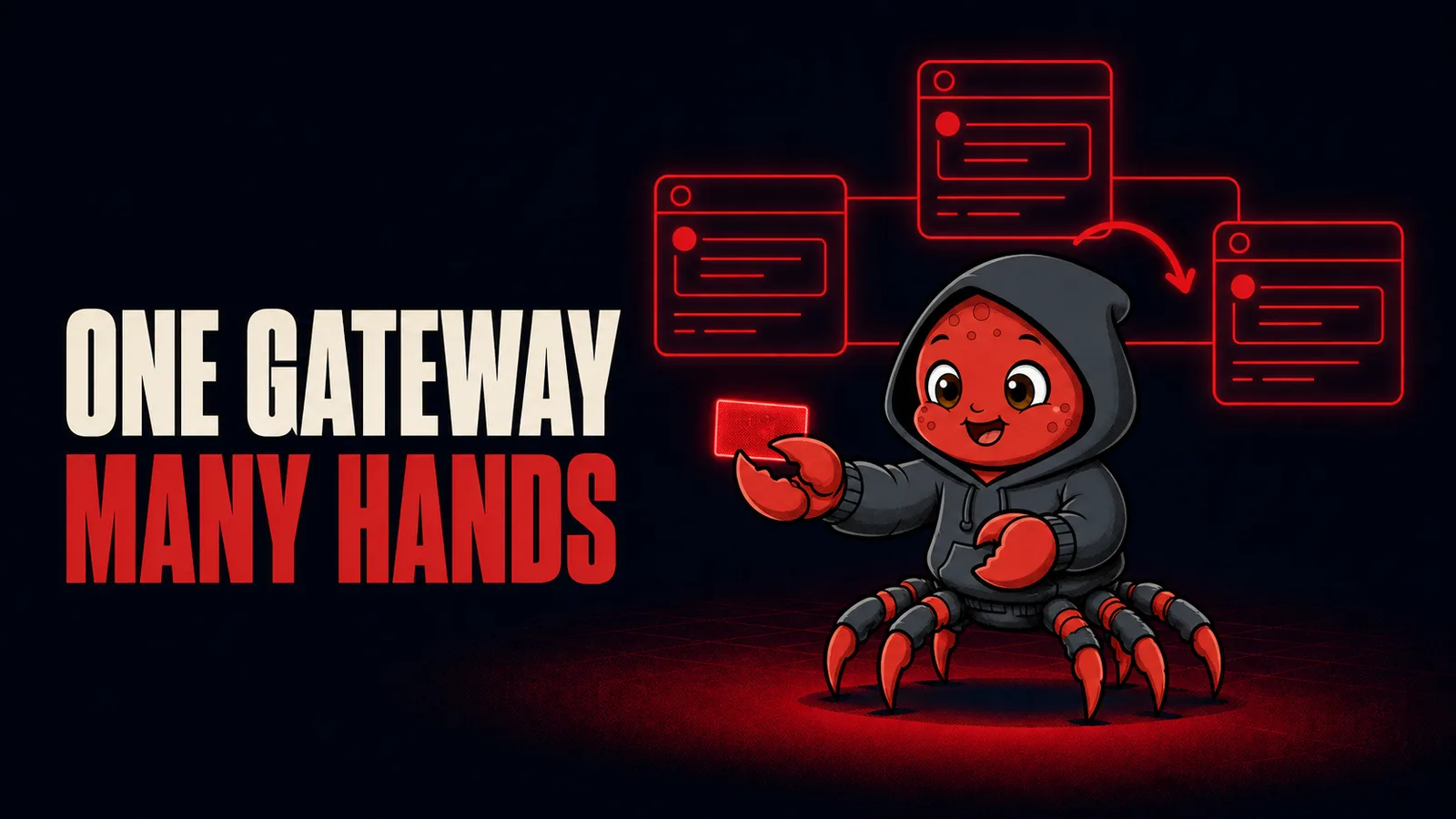
The team has been running a single shared gateway internally, nicknamed RoboClaw, and of everything shown this is the change that most alters what an OpenClaw install is for.
Everybody logs into the same one. You can see every session that is running, including the ones your colleagues started. Every session has its own link, so someone can paste it into chat and you land straight inside the work. You can watch, you can steer, and you can take over.
One developer described a night that makes the point better than any feature list. They were working late on several things at once, ran out of energy around midnight, left word that here were a couple of sessions if anyone wanted to pick them up, and went to bed. They woke up and the work was finished, because a colleague had walked into those same sessions and carried them the rest of the way.
Inside a session there is now a sidebar for talking to teammates while the work is happening. And if the gateway restarts in the middle of a job, the session picks itself back up and keeps going rather than dying quietly.
Anyone running alone loses nothing, because the multiplayer parts simply do not appear when there is nobody else there. The team summarised the shift in one line: the model used to be one gateway per person, and it is becoming one gateway per trust boundary. Finer grained permissions are openly acknowledged as still to come.
There is a signal buried in how this is being run. The internal gateway updates itself every hour to stay level with the newest code, and the developers say the team feels real pain in the gaps when it is unavailable, on a tool only weeks old. Something people miss the moment it disappears is doing its job.
What that means for you. A gateway that a team passes work back and forth on cannot live in somebody's bag. It has to be awake at midnight, reachable by link, and still there in the morning.
Your agent starts writing its own instructions
Skills are the how to notes an agent keeps. Do this job this way, in these steps. Until now you wrote them yourself.
This release adds a self learning mode called the Skill Workshop. An agent watches what you actually do, notices when you have done something a few times, and writes the skill for you. As you correct it later, it goes back and revises what it wrote. One of the developers credited the approach openly to Hermes Agent, which works in a similar way, and said this is a large part of why people gravitate to that style of working: the agent gets better at your particular jobs because it keeps an improving library of them.
The obvious worry is clutter, and the team was asked about it directly. Agents love to write. A library that grows forever eats into the room the model has to think in, because it must hold a catalogue of everything available and the phrases that trigger each one. So usage is tracked, on the reasoning that skills reached for often are probably the good ones. Passes then run in the background to merge skills that overlap and remove skills nobody uses.
The safety rail is the part to remember. The Skill Workshop may only edit or delete skills it created itself. Anything you wrote by hand, or anything living in one of your own repositories, is out of its reach. For those it can only propose a change and wait for your approval, and an approved proposal can be rolled back. When it did misbehave during testing and removed something the host still needed, the skill came back without drama for exactly that reason. The whole loop is pluggable as well, so you can replace how skills get built, evaluated or approved with a plugin of your own.
What that means for you. The merging and the pruning happen on their own schedule, in the background. Background work needs a machine that is awake to do it in.
The memory system was rewritten from scratch
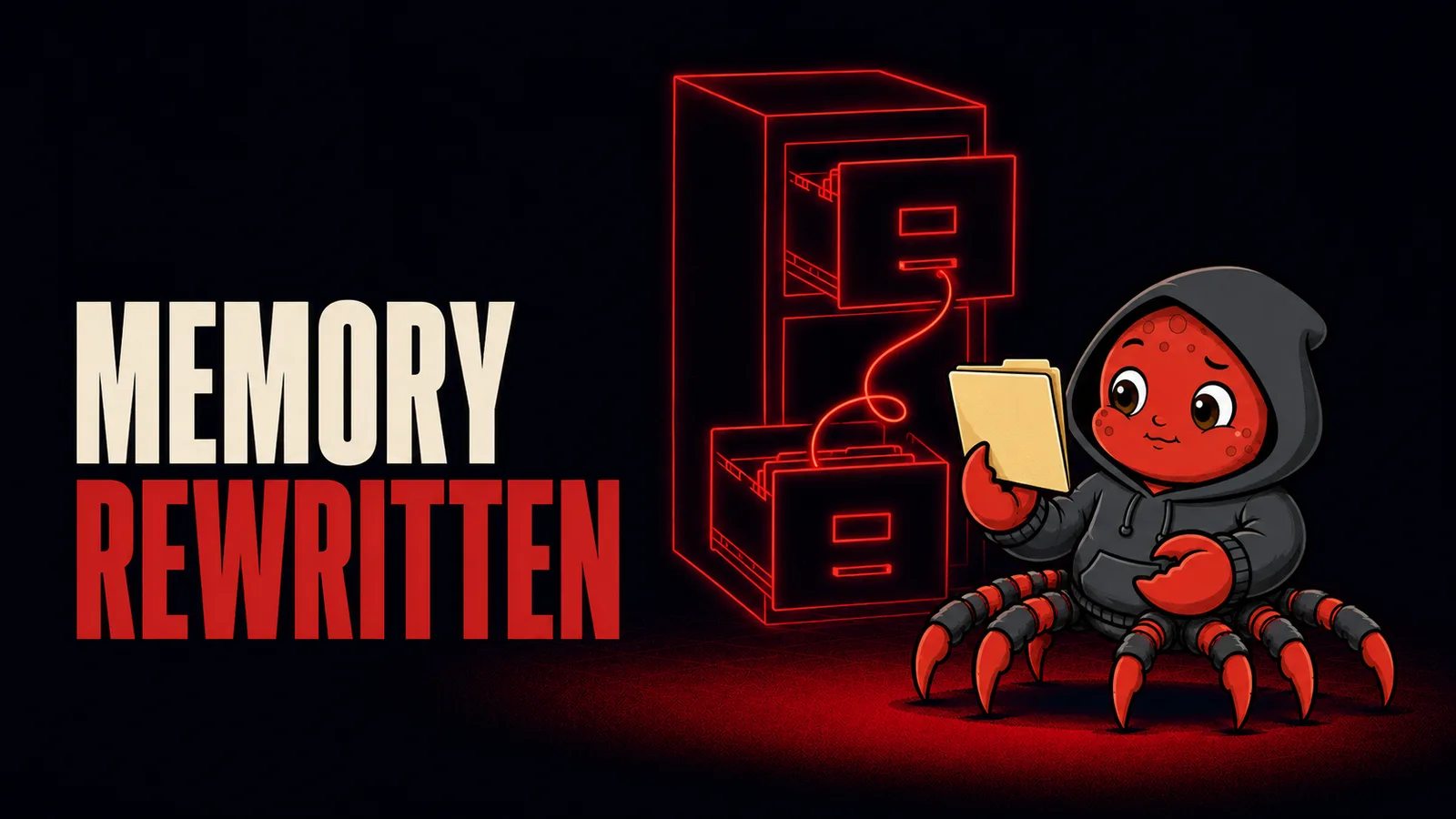
Memory received a full rewrite in this release rather than a tune up. The old QMD component has been pulled out, and what replaces it was designed after a research pass through the current best approaches across a number of projects, then tuned for efficiency. Dreaming, the background process that works over what the agent has stored, was given the attention it had been missing.
The call also drew a clean line between memory and skills that is worth carrying around, because people mix the two up constantly. Memory is retrieval. It exists for when you want the agent to go and look up what happened before, and it only helps when something actually goes and searches it. Skills are procedure. They hold the knowledge of how to do a thing, and the right one gets picked up on its own when the job in front of the agent matches it.
What that means for you. These are not competing features and you want both. Asking what happened last Tuesday is memory. Having the invoice handled the way you like it handled, without saying so again, is a skill.
Installing on a Mac is now a double click

The demo that will matter to the largest number of people was the least technical one. A clean Mac with nothing on it but a browser and a chat app, and OpenClaw installed by opening an installer and pressing next. No terminal, no pasted commands, no chasing missing pieces one error message at a time.
The interesting part is what the installer does while it runs. It goes looking through your machine. If you already have an AI coding tool on there, it finds it and configures it. If an API key is sitting somewhere on the system, it finds that too, tests that the connection genuinely works, and offers it to you. It does not quietly start spending anything, you opt in. It also reads which applications you have installed and pulls the matching skills and plugins from ClawHub, so a machine with Slack or Discord on it arrives already knowing about Slack and Discord.
The point of all of it is that you finish the installer with a working agent and no purchase. As one developer said on the call, you do not have to sign up for an account and buy inference from them. Whatever you already pay for is what it will use. If you have nothing at all there is a fallback to a model running locally, and the team was honest about the limit there: models capable enough for this work are heavier than most computers can comfortably carry. It is a way to get started and change your mind later, not a destination.
This is not a Mac only change. The same rewrite went into the text based onboarding everyone else uses, with far fewer questions and the same automatic discovery. The stated goal is one consistent first ten minutes on every platform.
Session creation was rebuilt alongside it, and this one is for people who use OpenClaw to write software. Starting a session now asks which agent should do the work, whether it runs on this machine or on a cloud instance, and which folder it should work in. Point it at a cloned repository and it uses the skills in that repository and reads the instructions file sitting there, while still inheriting the character of the agent you chose.
What that means for you. The hardest part of OpenClaw, the first hour, is being taken apart on purpose. Handing it to somebody who has only ever used a chat app is now a realistic thing to do.
What all of this asks of the machine underneath
Read the six changes together and one requirement runs through every one of them.
A dashboard that refreshes every ten minutes needs something awake every ten minutes. A session you hand to a colleague at midnight needs a gateway they can reach at midnight. Skills that consolidate themselves in the background need a background to run in. A gateway that survives a restart and resumes the job needs to live somewhere restarts are routine rather than a reason to go and open the lid. And the team's own answer to all of this was to stop running the important one on anybody's laptop and put it somewhere hosted, updating itself every hour.
That is the direction agent software has been moving for a while. Your agent is not a program you open when you need it. It is something that keeps working while you are not looking.
If you want that without becoming a systems administrator, that is what we do. OneClickClaw gives you your own dedicated OpenClaw server in the EU, running in one click, with SSL, firewall, updates, backups and monitoring handled for you. Bring the AI subscription you already pay for. Plans start at 14.99 euro a month, and the seven day free trial is a real server with no card required.
When this release lands, your server will be ready for it.
Update, 3 September 2026: the release described above shipped on 31 August 2026 as OpenClaw 2026.8.1, and 2026.8.2 followed on 1 September 2026. The founder and two developers went through what landed on the next episode of the same podcast, covered in OpenClaw 2.0 is out: multiplayer, dashboards and worker nodes.
Source
Everything above comes from the OpenClaw project's own weekly public call, The ClawCast Episode 8, published on 20 August 2026 on the official OpenClaw channel, with Hannes Rudolph, Patrick Erichsen and Josh Lehman. Release channel numbers were checked against the public npm registry and the OpenClaw GitHub releases on the day of writing.
Source: www.youtube.com
Helpful documentation
Want your own AI agent running without the setup? We host it on a dedicated EU server. Free for 7 days, no credit card.
Start your free trialGet notified when we publish new articles
No spam, unsubscribe anytime.
By subscribing, you agree to our Privacy Policy.