
Subscribe to our newsletter
One short email when we publish. No spam, unsubscribe anytime.
Build an OpenClaw dashboard from one prompt: the official 2.0 demo, step by step
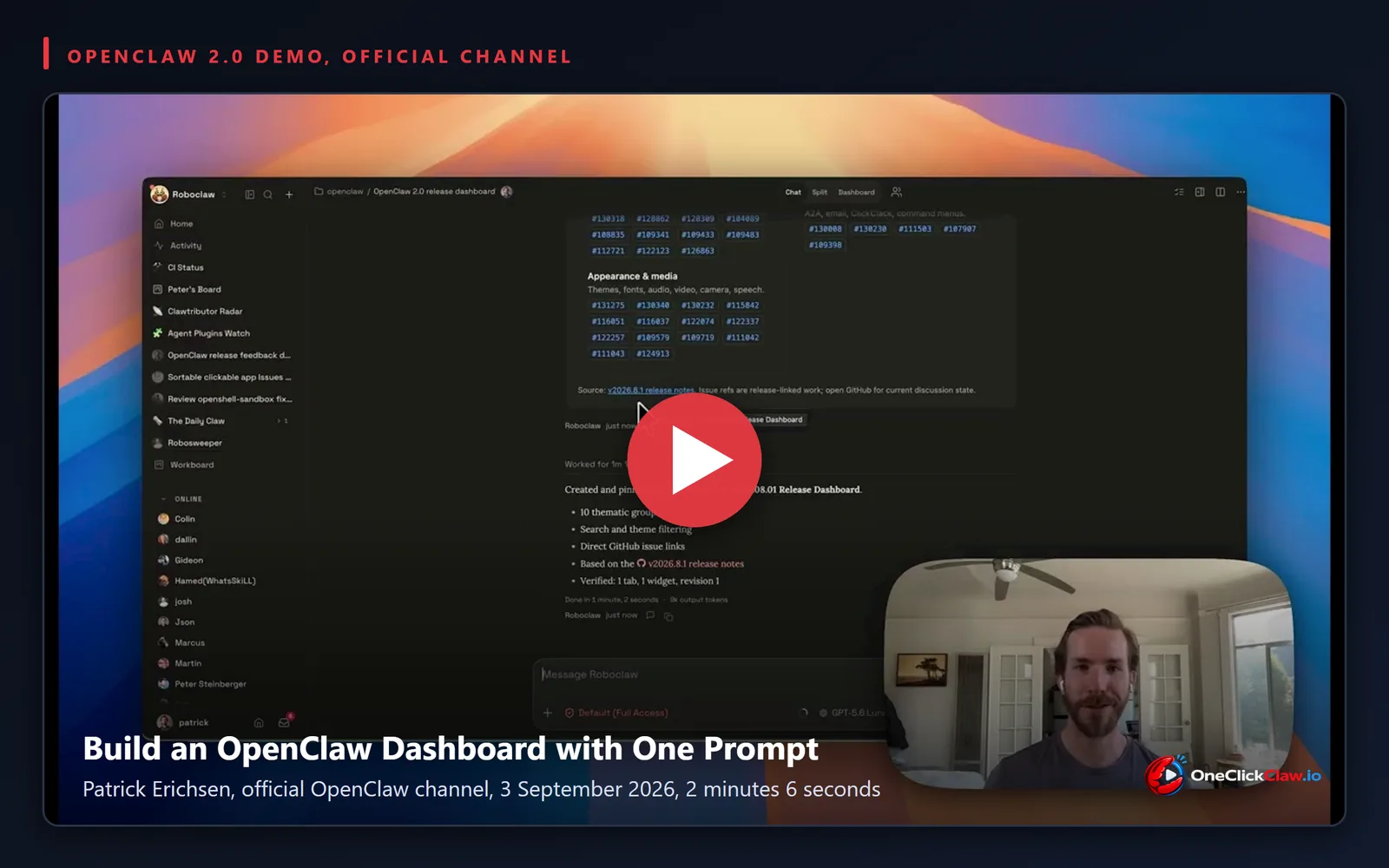
Patrick Erichsen, a developer on the OpenClaw team, published a two-minute demonstration on the official OpenClaw YouTube channel on 3 September 2026 showing an agent turn one chat prompt into a board of the project's own release issues. The video, "Build an OpenClaw Dashboard with One Prompt | OpenClaw 2.0 Demo", runs 2 minutes and 6 seconds and had 2,121 views at 09:04 Athens time on 6 September 2026.
Erichsen said he recorded the demo after the weekly Clawcast with OpenClaw founder Peter Steinberger, because "we had a lot of questions around the new dashboard feature in OpenClaw". In a post on X on 2 September 2026 he called dashboards "one of the most versatile new features in 2.0 release of @openclaw". OpenClaw is an open-source AI agent that runs on a machine or server its operator controls and answers through chat apps and a browser control panel. A dashboard is a panel of live widgets inside that control panel, built by the agent on request.
What a dashboard is in OpenClaw 2.0
The release the team calls 2.0 shipped as version 2026.8.1, published on GitHub on 31 August 2026. The 2026.8.1 release notes carry the line "Interactive results and dashboards: use widgets in chat, pin them to session dashboards". OneClickClaw reported that release on 3 September 2026 in OpenClaw 2.0 is out: multiplayer, dashboards and worker nodes.
According to the Session Dashboards page of the OpenClaw documentation, read on 6 September 2026, every thread in the Control UI can own a dashboard, "a grid of live widgets your agent builds for you". Pinning fixes a widget from the conversation onto that board, and "when its first widget is pinned, the dashboard opens beside the conversation in a resizable side panel". Widgets are "self-contained little apps (HTML/JS/SVG in a hard sandbox)", and dashboards "survive /new and /reset". The same page states that "there is nothing to set up and no separate app to configure".
Step 1: type one prompt in the chat
Erichsen described the task: "we just shipped the 2.0 release and we've had some issues in PRs that people have opened related to it. So, I'm going to spin up a dashboard that will allow us to group all of those and then swarm as a team and pick up those issues."
He then prompts "the roboclaw agents here to create a dashboard for the new 2026.08.01 release, OpenClaw 2.0, and group the issues by theme". His X post gave a shorter starting point: "tl;dr - just prompt your agent 'make a dashboard'". Under "Build a dashboard by asking", the documentation embeds this same video and gives a worked example:
Create a widget named revenue-graph: an interactive bar chart of monthly revenue. Add "Bars" and "Trend" buttons that switch views. Pin it to my dashboard.
Step 2: the agent builds a widget and pins it
"We can see that the agent made this widget and it's autopinned it and that creates a dashboard for us," Erichsen said. The agent's reply, as shown on screen in the video, opens with "Created and pinned" the "2026.08.01 Release Dashboard" and reports "10 thematic groups", above the lines "Verified: 1 tab, 1 widget, revision 1" and "Done in 1 minute, 2 seconds". The composer shows the permission mode "Default (Full Access)".
"You pin it: hover an inline widget and choose Pin to dashboard", the Session Dashboards page states, "or the agent pins it directly when you ask, and updates it later by name". The show widget documentation adds the direct route: "set pin: true in the tool call". Widget names are stable, so a later "update revenue-graph with June's numbers" updates it in place.
Step 3: chat, dashboard and split, then the team joins
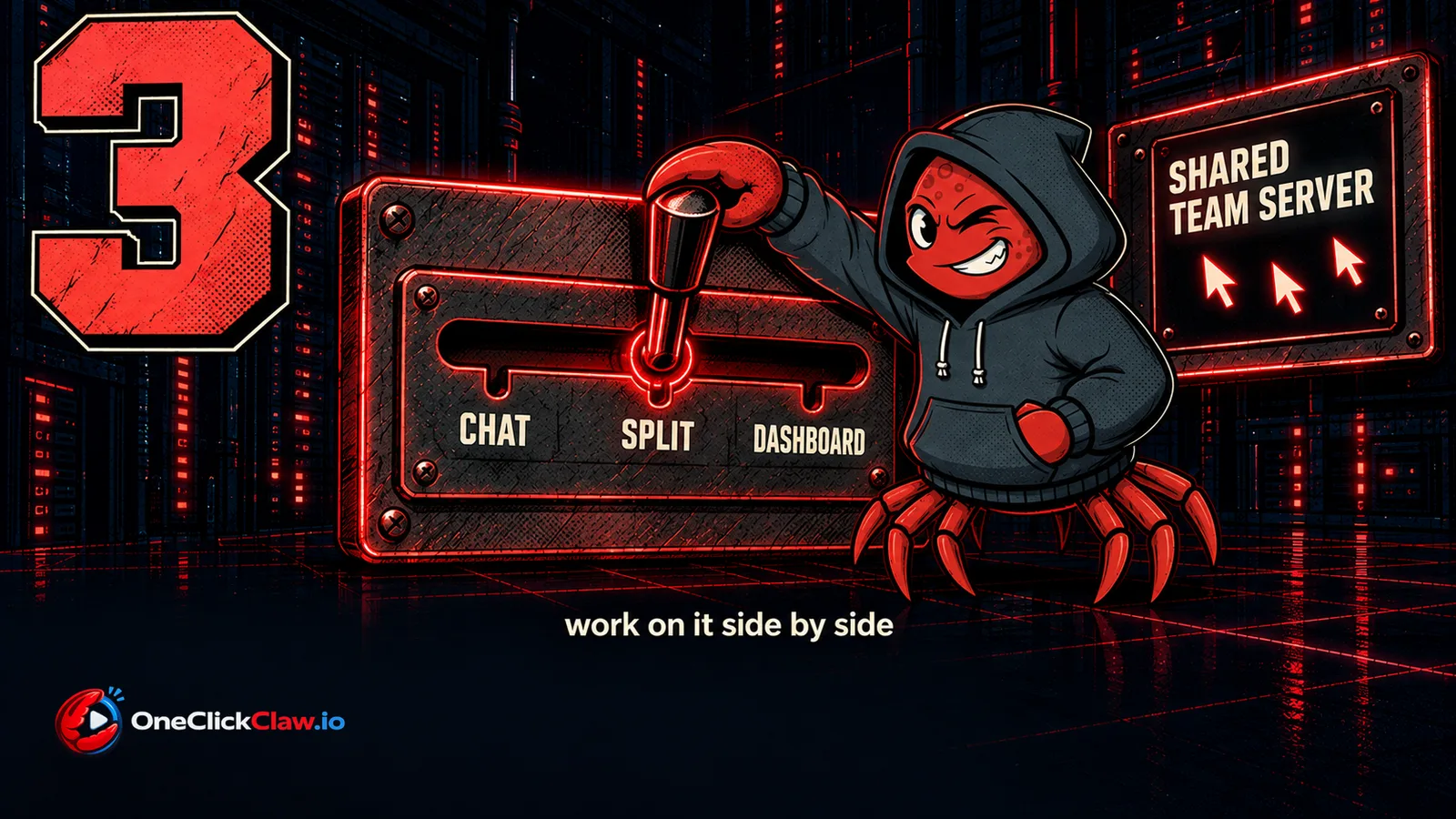
The video moves through three views. "You can see we're now in the chat mode here. We can go to dashboard and have the full view of it," Erichsen said, then opened the third: "I can also go into the split mode here, which is really cool, where we have the sidebar chats where we can keep working on this." The header carries a three-way switch labelled "Chat", "Split" and "Dashboard", as shown on screen in the video.
As of the Session Dashboards page read on 6 September 2026, Swap "exchanges the main view and active side-panel tab", Layout "moves the side panel left, right, or below the main area", Focus "gives the main view the full task area" and Restore split "brings back the side panel", all in the task toolbar.
"If I want to bring in some other co-workers, they can hop in here on our shared team server and we can distribute the work of addressing these pull requests and issues," Erichsen said. His sidebar, as shown on screen in the video, holds an "ONLINE" list of teammates including Steinberger, and boards named "Peter's Board" and "Workboard".
The Team setup guide, read on 6 September 2026, states that it "sets up one OpenClaw gateway that a whole team uses", and lists as a prerequisite "a host for the Gateway that stays on: a small VPS, an office Mac". It gives three access options: a tailnet with Tailscale Serve, marked recommended, a trusted proxy such as Cloudflare Access, or a shared secret for small teams. Multi-user mode adds "live presence: who is viewing, and who is typing".
Beyond work: the camping board
The last chapter leaves work behind. "I'm going on a camping trip this weekend, for example. So, I had the agent spin up a dashboard for what the weather looks like and the packing list that I have," Erichsen said, and closed the demo: "it's super flexible and it's one of the cool new things that I hope folks will have a chance to try out in the 2.0 release."
What changed since the video
Two releases have touched dashboards since. Version 2026.9.1, published on 3 September 2026, carries the line "dashboard widgets fill mobile width". Version 2026.9.2, published on 5 September 2026, states: "Dashboards fit your task: browse saved dashboards in a gallery, swap chat and dashboard views, place panels left, right, or below, and keep loaded widget input when hiding and reopening a panel." The first came out the same day as the video and the second two days later. On npm, the latest dist-tag pointed to 2026.9.2 on 6 September 2026.
What this asks of the machine underneath
A dashboard is a property of the gateway. Boards live there, in the owning agent's database, and appear on every device the operator connects from, according to the Session Dashboards page. A shared team server, in Erichsen's sense, is one always-on gateway that several people sign in to, on the kind of host the Team setup guide lists as a small VPS or an office Mac.
OneClickClaw supplies the always-on part. Every customer gets a dedicated server running OpenClaw 2026.8.2, the version line that contains the dashboard feature shipped in 2026.8.1. The Starter plan costs 14.99 euro a month according to the plans page, read on 6 September 2026; the OpenClaw hosting page has the details. The seven-day free trial runs on a real Starter server and asks for no card.
Start the seven-day free trial and type "make a dashboard" on a server that stays on.
Source: www.youtube.com
Helpful documentation
Want your own AI agent running without the setup? We host it on a dedicated EU server. Free for 7 days, no credit card.
Start your free trialGet notified when we publish new articles
No spam, unsubscribe anytime.
By subscribing, you agree to our Privacy Policy.