
Subscribe to our newsletter
One short email when we publish. No spam, unsubscribe anytime.
OpenClaw's Android app goes live: every screen, paired with a real agent
A new update of the official OpenClaw Android app went live on Google Play on the evening of the 3rd of October, Peter Steinberger confirmed on X, about 2 hours and 38 minutes after the creator of OpenClaw had written that the update had been waiting in Google's review queue for more than a week. Sundar Pichai, chief executive of Google, had replied to that post within 31 minutes. The app turns an Android phone into a node of your own OpenClaw agent: a device the agent can chat through, listen through and, when you allow it, see through. OneClickClaw installed the app from Google Play on a Redmi Note 14 phone on the 5th of October, paired it with a Gateway running on a Windows PC and walked through every screen.
What happened on the 3rd of October
Steinberger posted that the Android app had sat in review at Google for over a week and asked whether he knew anyone there who could help. By the 5th of October the post counted 1.62 million views and 8,638 likes (source).
Thirty-one minutes later Pichai replied with "Ack, will follow up". His reply counted 6.17 million views by the 5th of October (source).
About 2 hours and 38 minutes after the first post, Steinberger replied to Pichai that the new update was live and thanked him. That post counted 837,000 views by the 5th of October (source).
Storyboard18, OfficeChai and BigGo reported the exchange on the 4th of October. The rest of this article is about the app itself.
What the app is
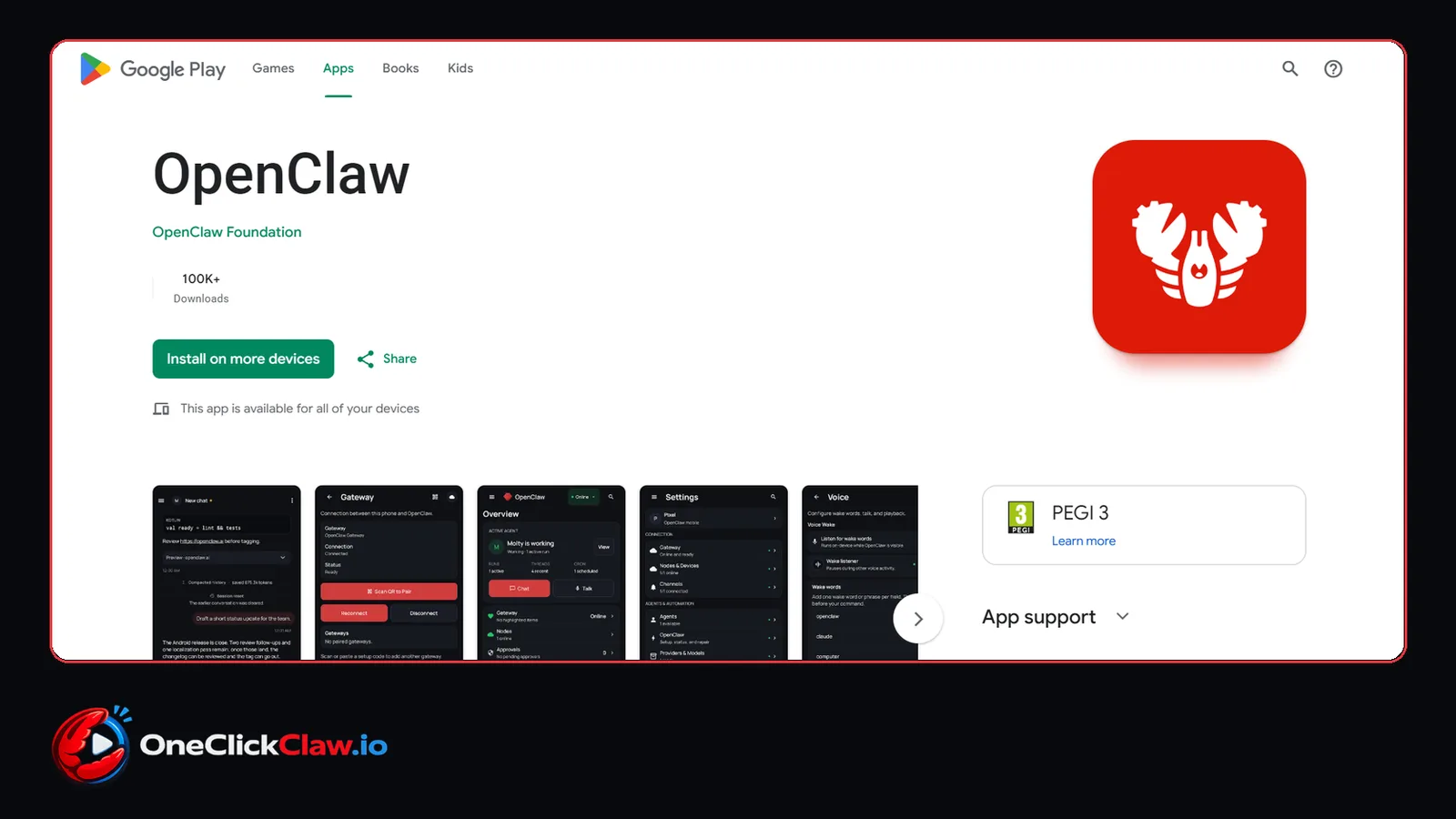
The Google Play listing shows the publisher as OpenClaw Foundation, more than 100,000 downloads (100K+), a PEGI 3 content rating and the category Tools. Its one-line description reads "Personal AI on your Android devices". The version installed on the 5th of October was 2026.9.60.
The listing says the app pairs with your own OpenClaw Gateway so the phone can serve as a secure node for chat, voice, approvals and device-aware automation. In plain words: the Gateway is the program that runs your agent on a computer, and the phone becomes one more device that agent can use.
The listed features, according to Google Play: pairing with your private Gateway by QR code or setup code, chat from Android, a realtime Talk mode with push-to-talk, review of Gateway action approvals from the phone, camera, screen, location and notifications switched on only when you choose, push wakes and node status updates, and a Wear OS companion with an OpenClaw Tile for voice or chat on the watch.
The listing calls OpenClaw local-first: you control your Gateway, keys, configuration and permissions. The first official Android and iOS companion apps were released on the 29th of June, Let's Data Science reported.
Screen by screen, paired with a real Gateway
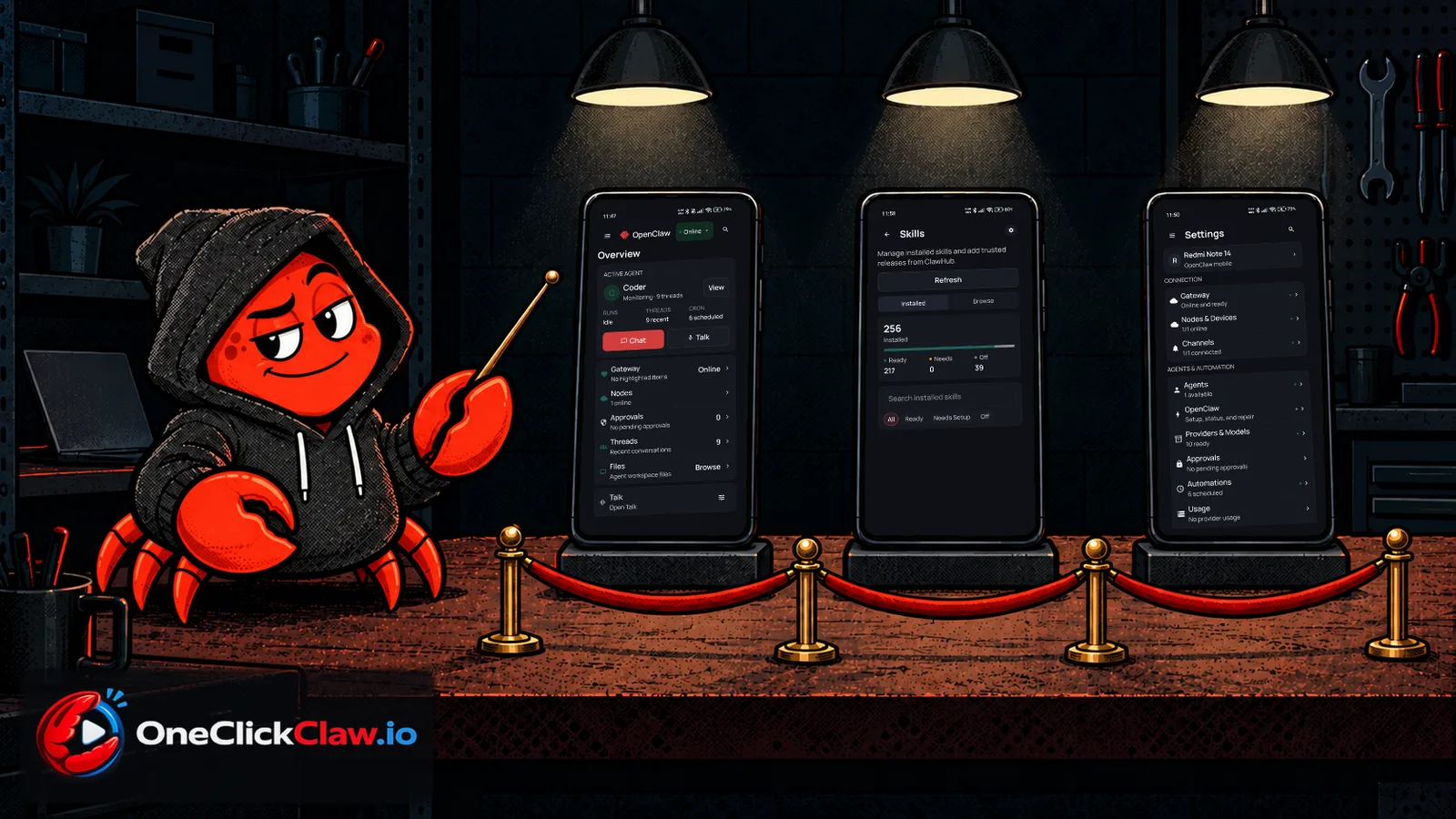
This is what each screen showed on the 5th of October on a Redmi Note 14, with the app paired to a Gateway on a Windows PC.
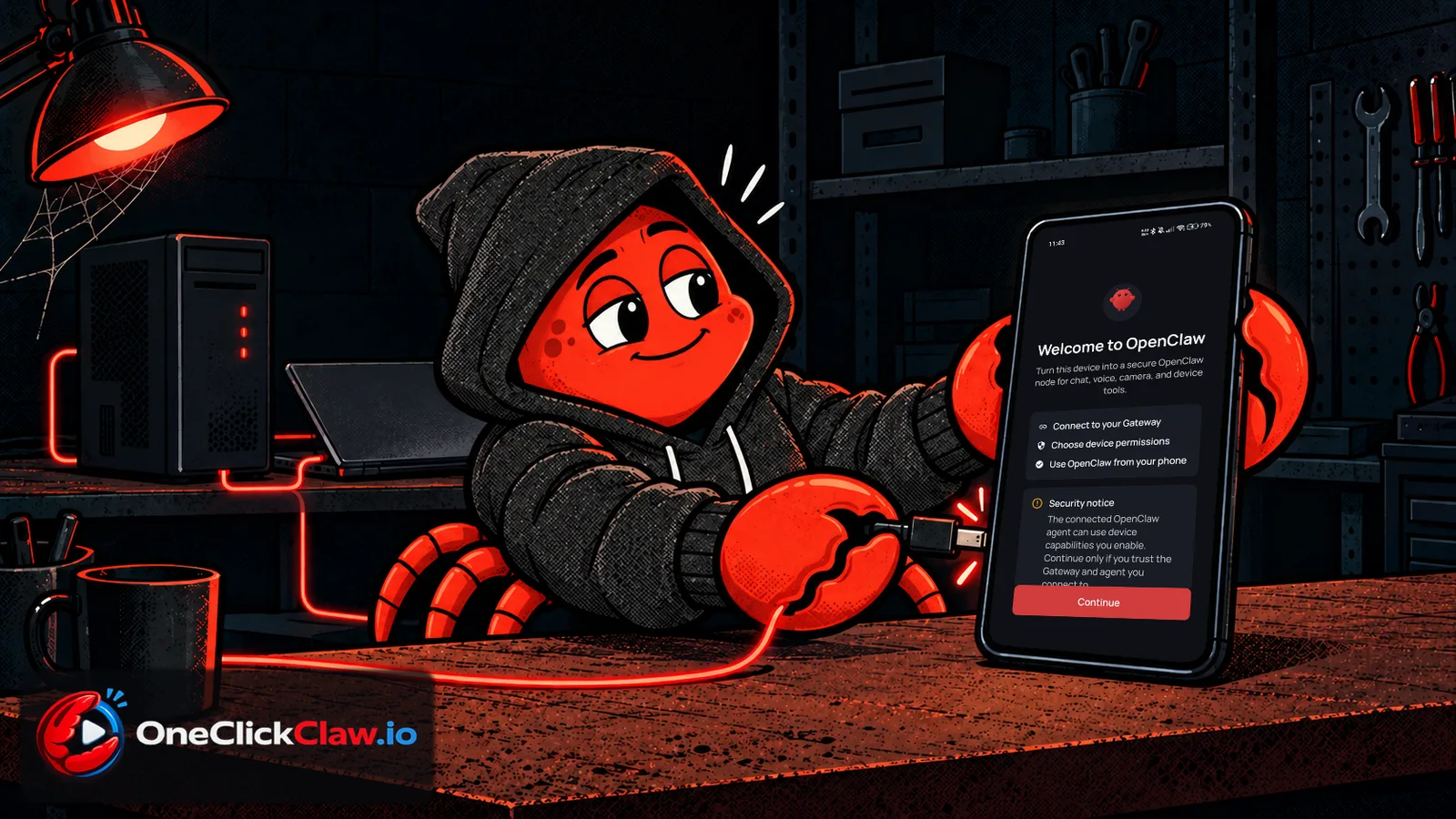
Welcome. The first screen says "Welcome to OpenClaw" and lists three steps: connect to your Gateway, choose device permissions, use OpenClaw from your phone. A security notice under them says the connected agent can use the device capabilities you enable, so connect only to a Gateway you trust.
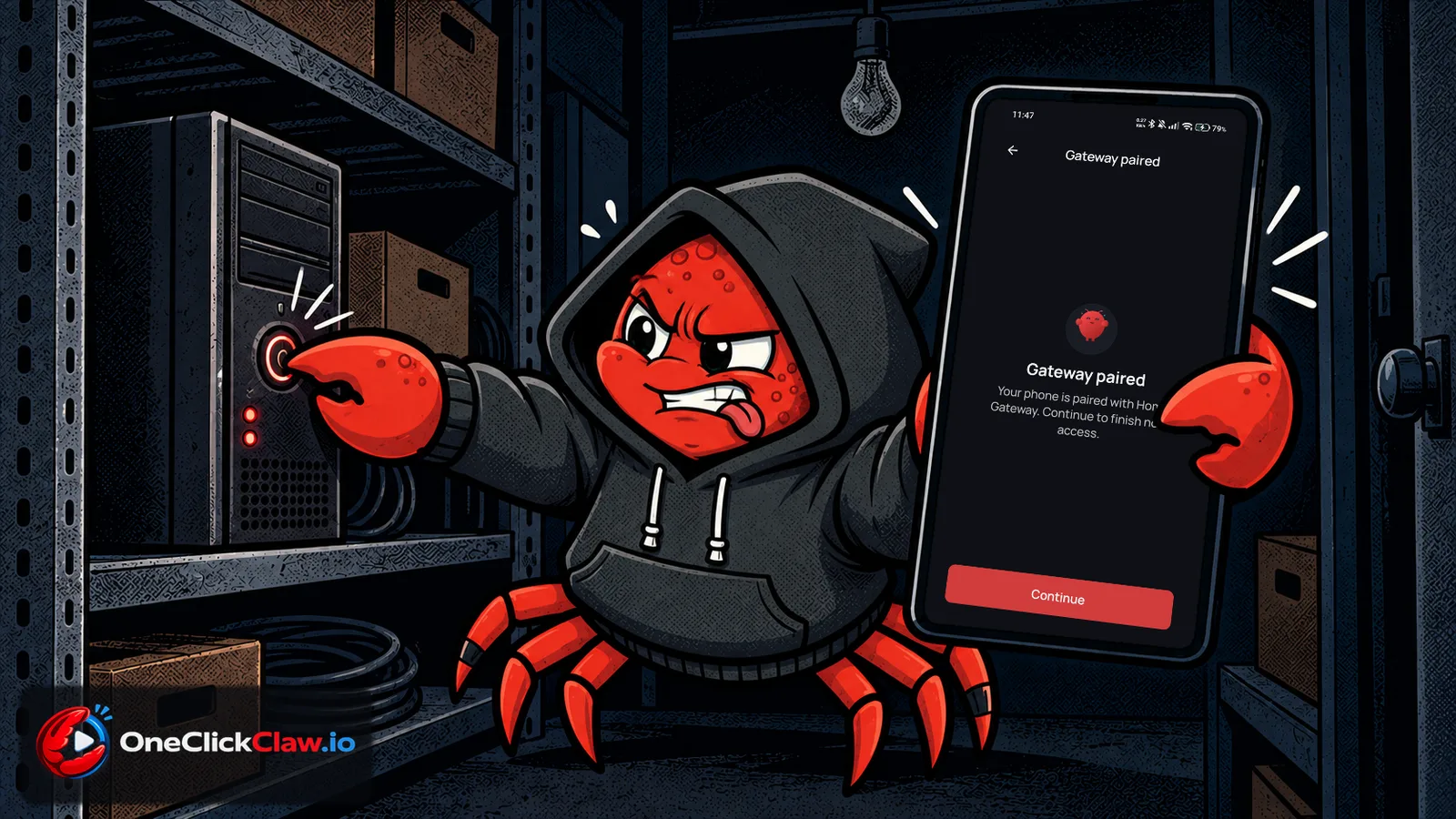
Pairing. The connect screen offers two routes: scan a QR code or type a setup code. One command on the computer that runs OpenClaw prints both. After the setup code the app showed "Gateway paired" within seconds.
Permissions. On a first setup, the next screen states that all permissions are optional and shows four switches: Notifications, Microphone (transcribe voice prompts), Camera (capture photos and clips) and Location.
Overview. The home screen shows the active agent, its runs, recent threads and scheduled jobs, with big Chat and Talk buttons. Below them sit Gateway status, Nodes, Approvals, Threads and Files, the agent's workspace files.
Skills. The skills page listed 256 skills installed on that Gateway, 217 of them ready, with a Browse tab for ClawHub, the OpenClaw skill library. A skill is an add-on ability for the agent, and all of them are reachable from the phone.
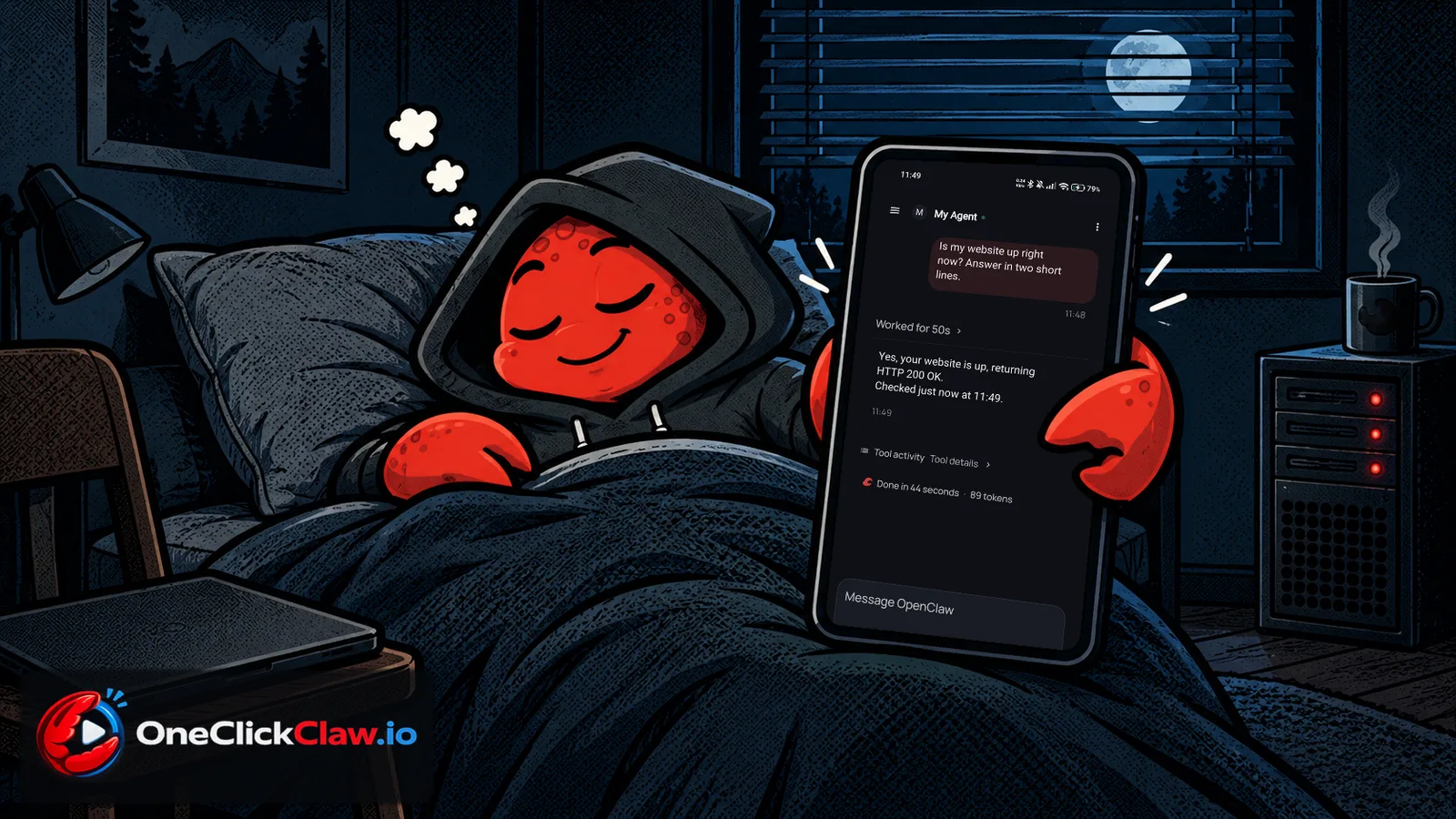
Chat. A question typed on the phone asked the agent on the PC whether the OneClickClaw website was up. The agent checked it and answered on the phone in 44 seconds: up, answering normally.
Settings. The settings screen groups Gateway, Nodes and Devices, Channels, Agents, Providers and Models, Approvals and Automations.
What it needs to run
The app is a companion node and needs a running OpenClaw Gateway, the official documentation says. The Gateway runs on macOS, Linux or Windows through WSL2, the Windows feature that runs Linux. The phone reaches it on the same network or through a secure remote Gateway address.
More from the documentation:
- The app keeps its Gateway connection alive with a foreground service, which shows as a persistent notification.
- Several Gateways can be paired. One is in focus at a time, and only that one can use the phone's camera, location, screen or notifications.
- Messages typed while offline are saved on the phone and sent in order when the connection returns. The queue holds up to 50 messages per Gateway, and unsent ones expire after 48 hours.
- A long press on an answer and a tap on Listen reads it aloud.
- Camera commands work while the app is in the foreground and with permission given.
- The Wear OS watch uses the phone's connection, keeps no Gateway credentials of its own, and can pick agents, read conversations, reply by text or voice, stop a run and start realtime Talk.
- A signed APK on selected GitHub releases covers installs outside Google Play.
A Gateway that stays on
Every screen above depends on one thing: a Gateway that is running when the phone asks for it. When the computer that runs the Gateway is off, the phone waits, and its queue lets unsent messages go after 48 hours (docs).
OneClickClaw runs OpenClaw on a server of your own that stays on, so the Gateway is there whenever the app connects, wherever the phone is. The Starter plan costs EUR 14.99 a month and comes with a 7-day free trial: oneclickclaw.io.
Source: docs.openclaw.ai
Helpful documentation
Want your own AI agent running without the setup? We host it on a dedicated EU server. Free for 7 days, no credit card.
Start your free trialGet notified when we publish new articles
No spam, unsubscribe anytime.
By subscribing, you agree to our Privacy Policy.