
Subscribe to our newsletter
One short email when we publish. No spam, unsubscribe anytime.
Hermes Agent now shows its subagents at work: watch, steer, stop
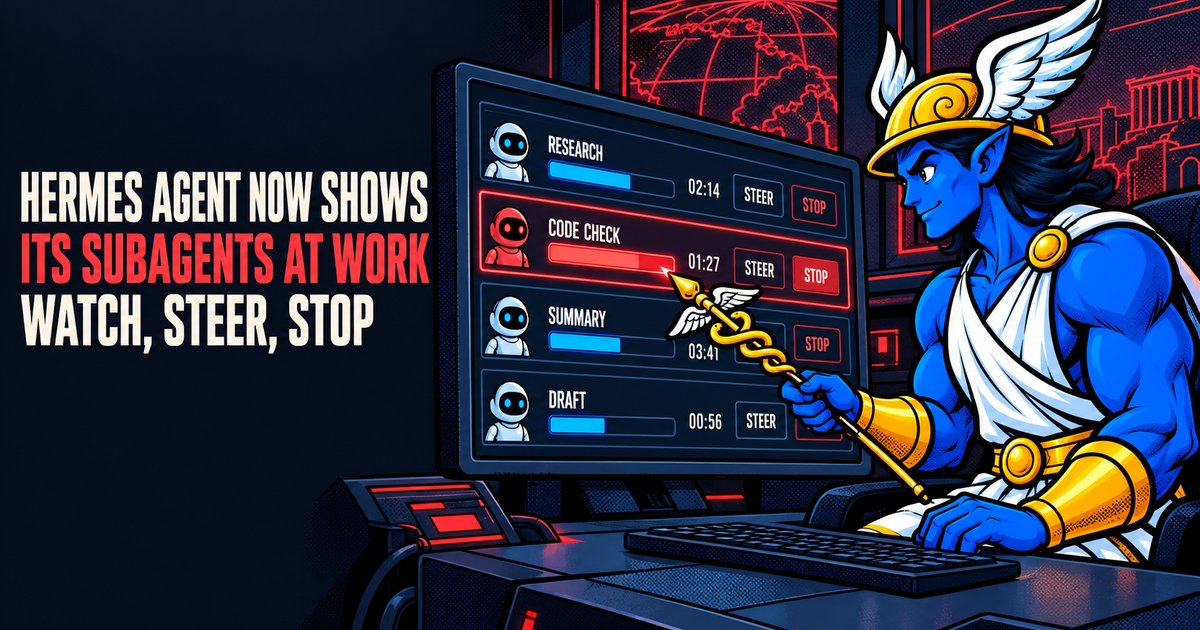
Nous Research announced on September 10, 2026 that Hermes Agent now shows what each of its subagents is doing while the work is under way, and that users can steer or stop any of them by hand from the command line and the Hermes Desktop app, in a post on the company's X account at 15:30 UTC. The post had been viewed 175,730 times by 08:52 UTC on September 11, according to the counter on the post.
A subagent is a helper that Hermes Agent starts to take one part of a larger job, for example one research question while another checks a file. Each one works in its own fresh conversation and only its final summary returns to the main agent, according to the delegation page of the Hermes Agent documentation, which puts the default at up to 10 subagents running at once. The v0.21.0 release notes of August 31, 2026 gave the main agent tools to list, redirect and stop running subagents. The September change puts the same information on the screen of the person using the agent.
What changed in the code
The live view arrived in pull request #105593, which the project merged on September 8, 2026 at 10:06 UTC. The change touched 63 files and added about 2,600 lines. A second change later that day, #105879, gave the classic command line the same Ctrl+T shortcut as the terminal interface. A third, #107506, merged on September 10 at 17:23 UTC, keeps the roster and its steer and stop controls working after a client reconnects to a remote gateway or switches to Bot Mode, according to its description.
Where the live view appears
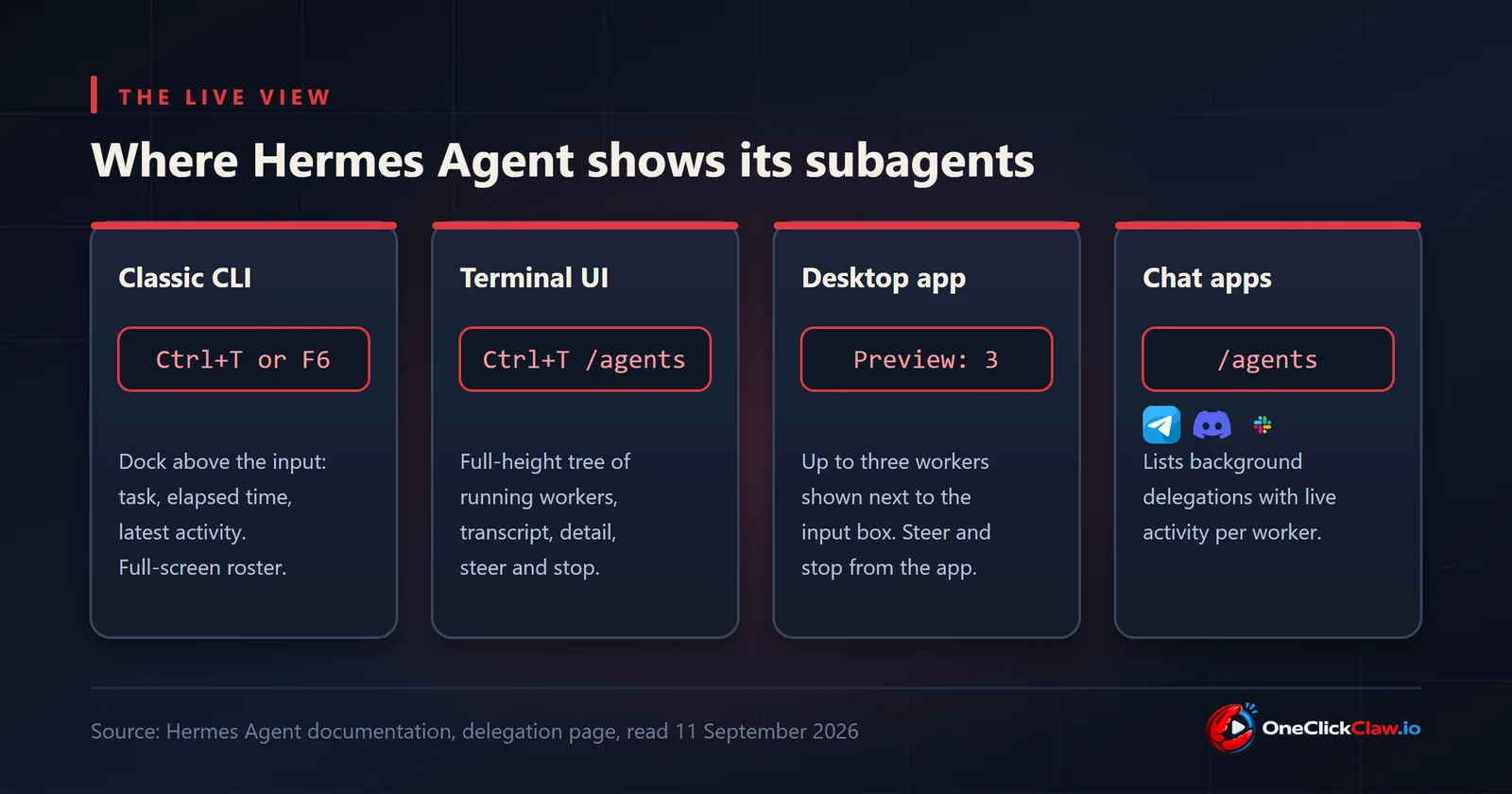
The classic command line, the terminal interface and the Desktop app all show running subagents above the input box, with their count, task names, elapsed time and latest activity, the delegation page says. It describes each surface:
- Classic command line. The dock is sized to the height of the screen and shows how many workers it hides. Ctrl+T or F6 opens a full-screen roster.
- Terminal interface. Ctrl+T or the
/agentscommand opens a full-height tree of workers, with a live transcript, a detail view, steering and stop. - Desktop app. The app previews up to three workers beside the input box, and the September 10 post names the Desktop app as a place to steer and stop them.
- Chat apps. On the classic command line and on every gateway platform, including Telegram, Discord and Slack,
/agentslists background delegations with live activity sampled from each running subagent. When a subagent fails, chat platforms receive a one-line notice even with tool progress messages switched off.
Watch, steer, stop
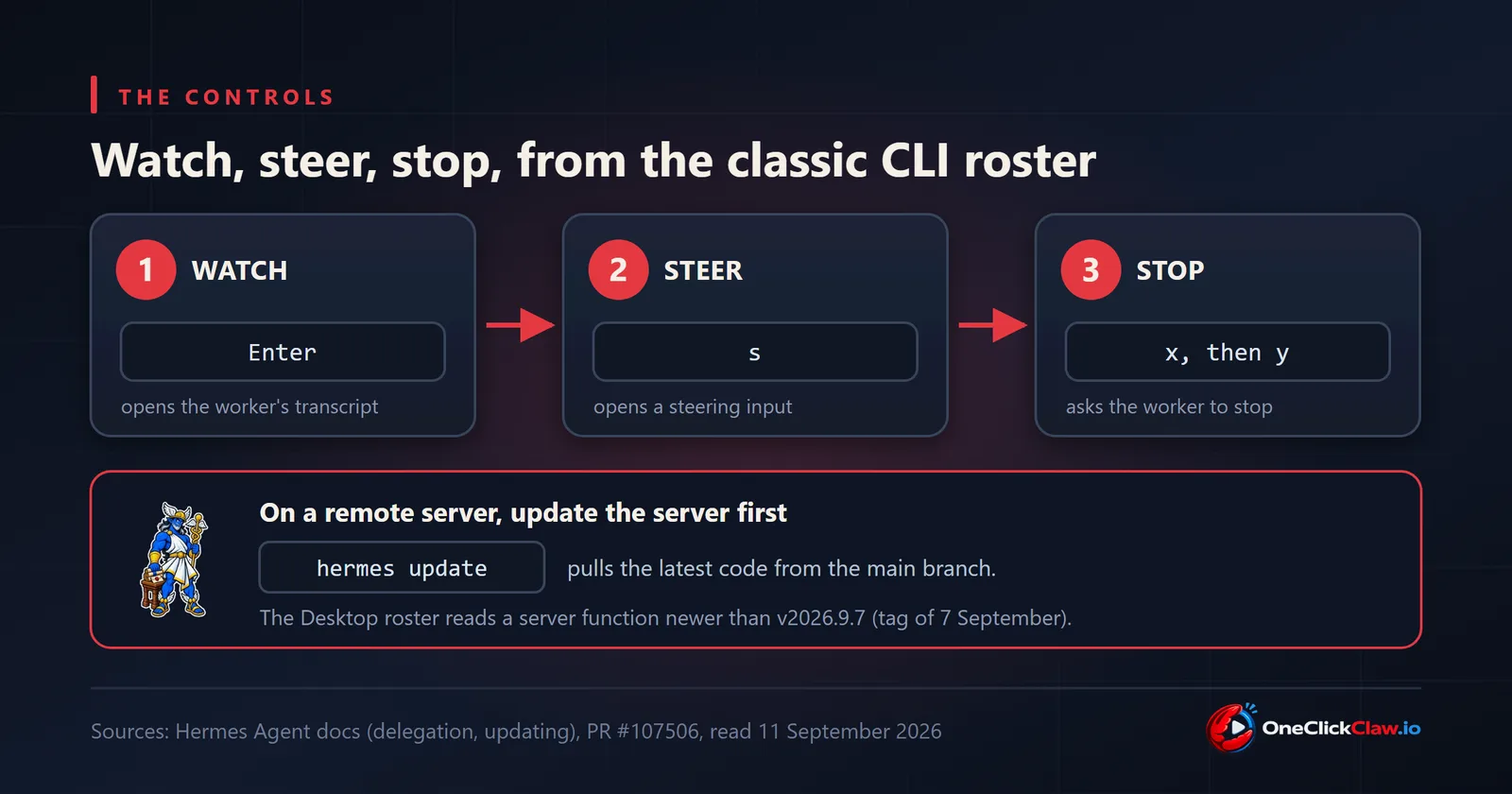
In the classic command line roster, the arrow keys select a worker and Enter opens the tail of its transcript. The s key opens a separate input for a course correction, and x followed by y asks that worker to stop, according to the same page. A stopped subagent hands back the partial result it had reached, the v0.21.0 notes say.
How the change reaches a server
The live view reaches users through the update command ahead of any tagged release. The most recent Hermes Agent release, v0.21.1 (tag v2026.9.7), was published on September 7, 2026 at 22:17 UTC, about 12 hours before pull request #105593 merged, according to the project's releases page. The updating page of the documentation says hermes update pulls the latest code from the main branch, where the changes sit.
On a server that the Desktop app reaches over the network, the server needs that update as well. The description of #107506 notes that the Desktop roster reads a server function added after v2026.9.7.
What it means for an agent that runs all day
Subagents run on the machine that runs Hermes Agent. Top-level calls run in the background: Hermes returns a handle at once so the conversation can continue, then posts the result back as a new message, the delegation page says. A job split across several workers therefore keeps going on the server while the person who asked for it is elsewhere, and /agents in a chat app shows how far each worker has got. That depends on a machine that stays on after the laptop closes.
OneClickClaw runs Hermes Agent on a dedicated server for each customer. The Starter plan costs EUR 14.99 a month and starts with a 7-day free trial that needs no card.
Sources: Nous Research on X, September 10, 2026; Hermes Agent pull requests #105593, #105879 and #107506; Hermes Agent v0.21.0 release notes, August 31, 2026; Hermes Agent documentation, delegation and updating pages, read September 11, 2026.
Source: x.com
Helpful documentation
Want your own Hermes agent running without the setup? We host it on a dedicated EU server. Free for 7 days, no credit card.
Start your free trialGet notified when we publish new articles
No spam, unsubscribe anytime.
By subscribing, you agree to our Privacy Policy.