
Subscribe to our newsletter
One short email when we publish. No spam, unsubscribe anytime.
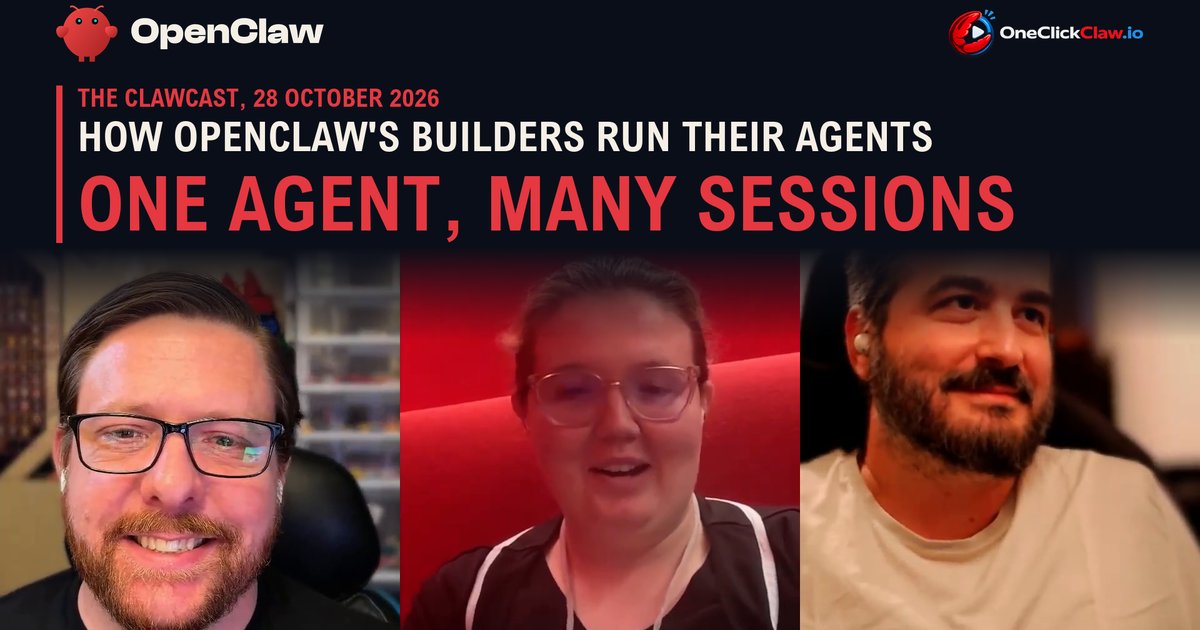
How OpenClaw's builders run their own agents: one agent, many sessions
The people who build OpenClaw mostly run one main agent with many open conversations, and they add separate agents only for privacy or tight permissions. That is what three of them described in the newest episode of The ClawCast, the project's official podcast, published on YouTube on the 28th of October. Host Hannes Rudolph, who leads Community and DevRel at the OpenClaw Foundation, spoke for 61 minutes with OpenClaw contributors Jacqueline Henriksen, known as Ritz, and Vitor Cepeda Lopes.
Two words help here. An agent is the AI assistant itself, with its own tools and access. A session is one conversation thread with that agent, much like a single chat in a messaging app.
A shared server for the people building OpenClaw
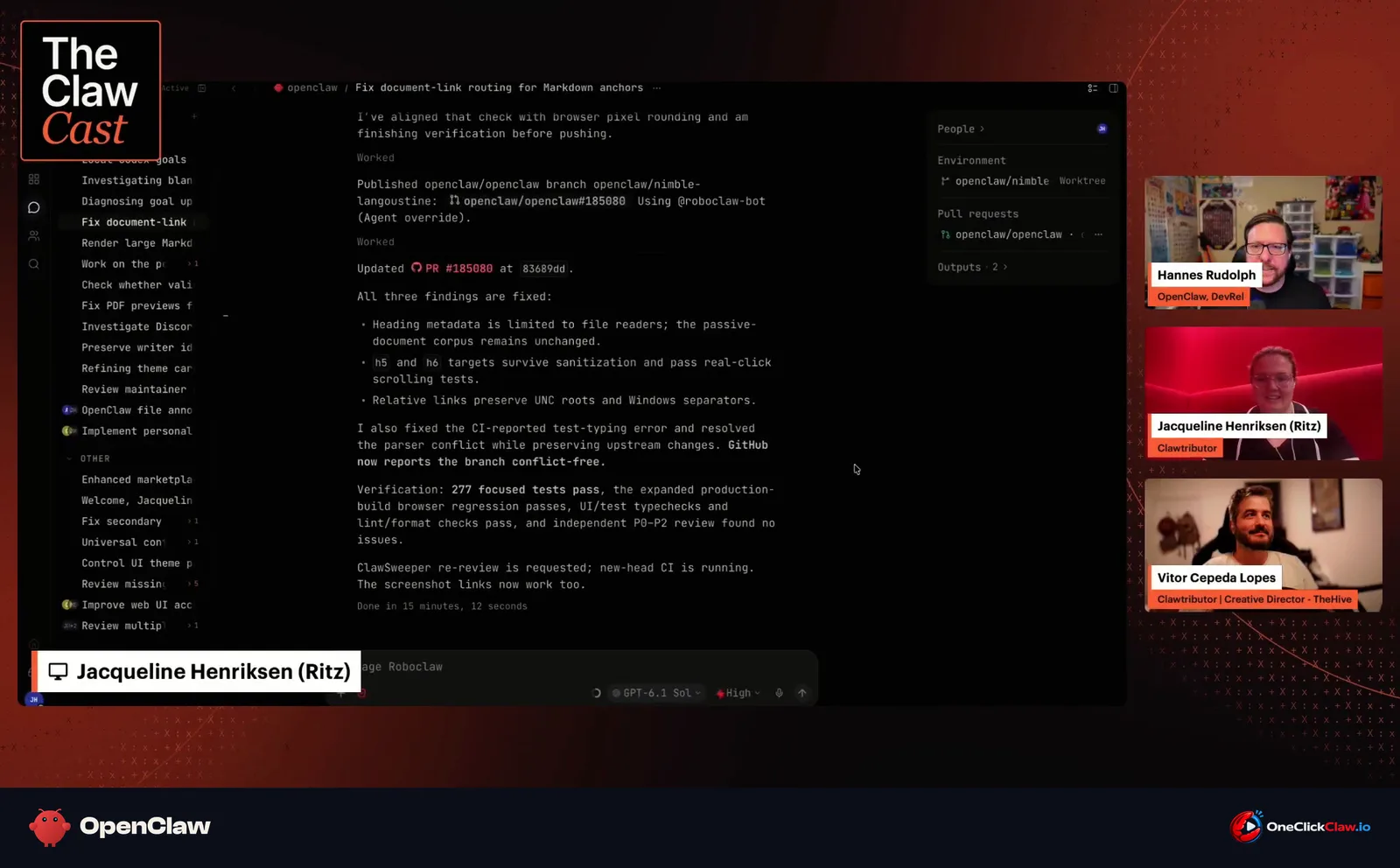
Ritz described RoboClaw, the team server the contributors share, as an ordinary OpenClaw session that many people can watch at once. Contributors on it can work on fixes together and see who is doing what, Ritz said. In the episode of the 28th of October, Ritz showed a session about previewing an 8,000-word playbook on building software with AI agents, written for first and second year engineering students.
Vitor said everyone on the server shares the agent's memory, so a lesson learned from one person's bug reaches more than 20 people. Ritz said a session once pointed out that another session was already fixing the same bug, which saved duplicate work. Before shared sessions, Vitor said, people copied an agent's answer to a colleague, who passed it to their own agent, and the answer travelled back the same way.
Personal, family and company agents
Vitor described three separate setups, each on its own gateway, the OpenClaw program that hosts agents. The personal one has a main agent that acts as a chief of staff and sorts email and calendar, with two small helper agents. Before a family holiday, Vitor said, that agent found a tyre change in Vitor's notes and booked it on the mechanic's website.
A family gateway runs two agents, one for Vitor and one for Vitor's wife, for school matters and paperwork, kept apart from the main agent for privacy. Those agents are connected to the household printer, Vitor said. A company gateway is shared by the team and runs one agent for coding and creative work.
One agent or many?
Hannes said one agent now finds the tools and skills it needs by itself, so separate agents for separate jobs are no longer part of that setup. The one reason left for a separate agent, Hannes said, is restriction: an agent that sorts email can get limited access as a guard against prompt injection, meaning hidden instructions planted inside content such as an email. Ritz said a separate agent would make sense for nonprofit work that involves children.
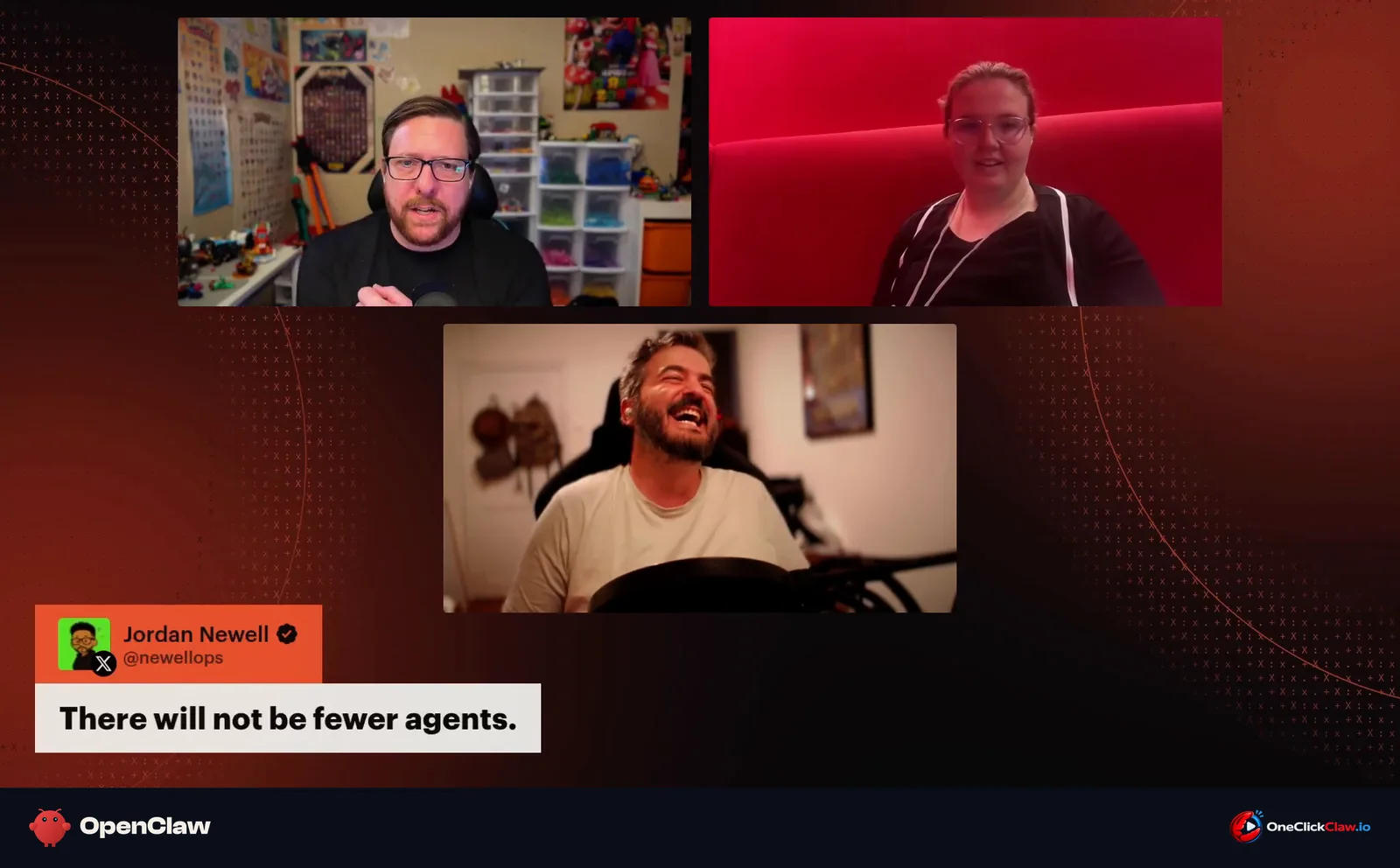
When a viewer on X wrote that there will not be fewer agents, Ritz answered that every extra agent adds upkeep, and a company agent usually has someone paid to maintain it, which leaves one personal agent to look after.
One agent, many sessions
Hannes said "one agent" means one set of access, skills and tools, with many conversations side by side. Hannes works on about 50 chats at a time, archives finished ones and snoozes others while a skill checks for replies every 15 minutes or every hour. Each task shows a coloured dot when it needs attention, and Hannes said every session should begin with a clear end in mind.
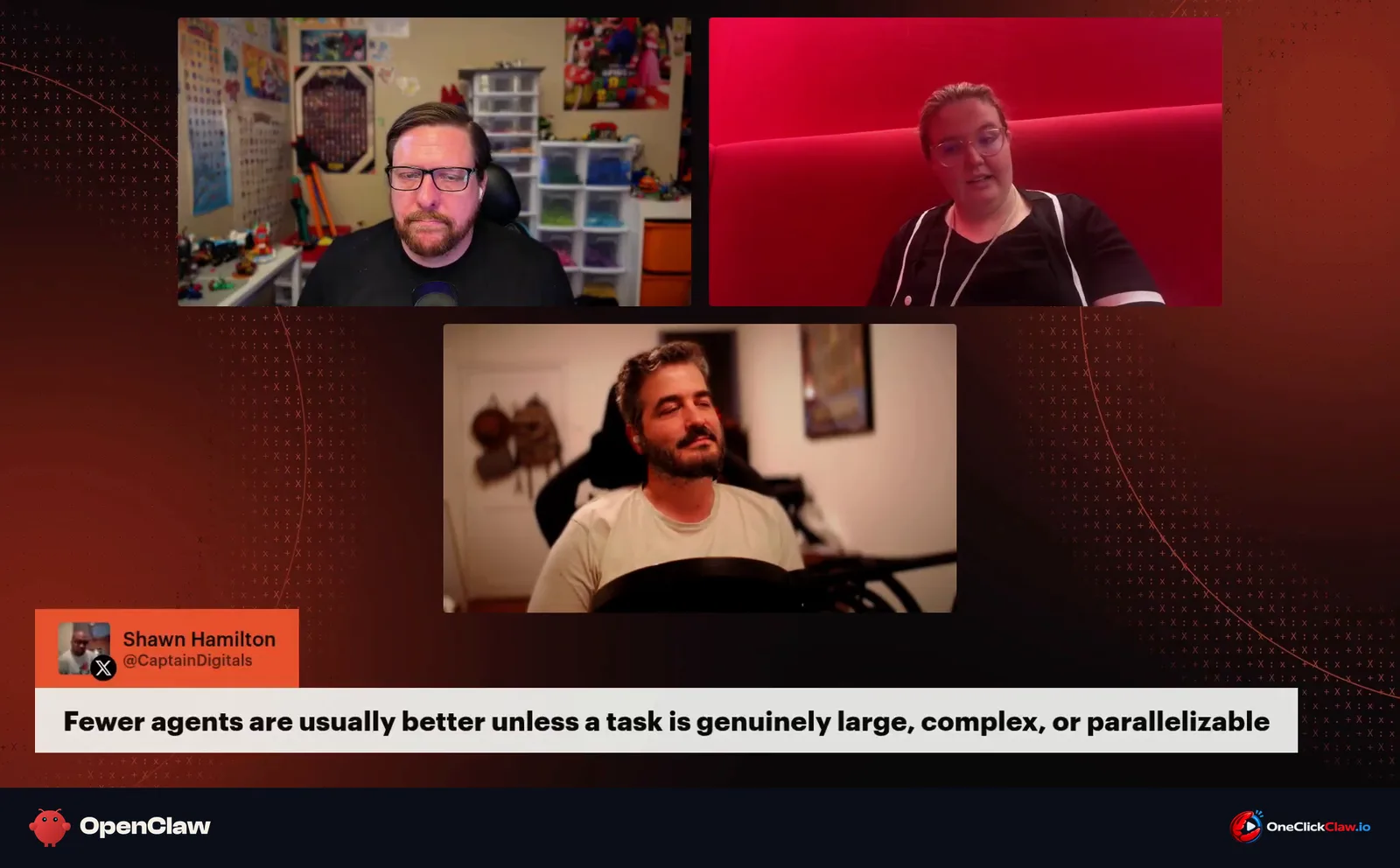
A viewer comment shown on screen said fewer agents are usually better unless a task is large, complex or can run in parallel. Ritz said parallel work belongs to subagents, short-lived helpers that one agent starts for a single task. On the team server, one contributor's session drove about 10 subagents, each fixing a different accessibility issue, Ritz said. Hannes said one agent recently started six subagents to update a branding note in six code repositories, each preparing a change for Hannes to review before it was merged.
Chat apps or the web interface
Hannes said the web interface, the control screen that opens in a browser, is now the daily tool, after starting on Telegram in January. Ritz uses Discord from the phone when away from home and picks the work up later in the OpenClaw desktop app. Hannes said chat apps fit narrower jobs, such as a support bot or a WhatsApp group where members of a side business drop their receipts for a session to file.
Ritz explained OpenClaw to an 87-year-old grandmother with a car analogy: OpenClaw is the car, the AI model is the driver and the human is the navigator. Vitor said the full control screen can look daunting to people who first met OpenClaw in a chat app.
Long-running goals need a clear result
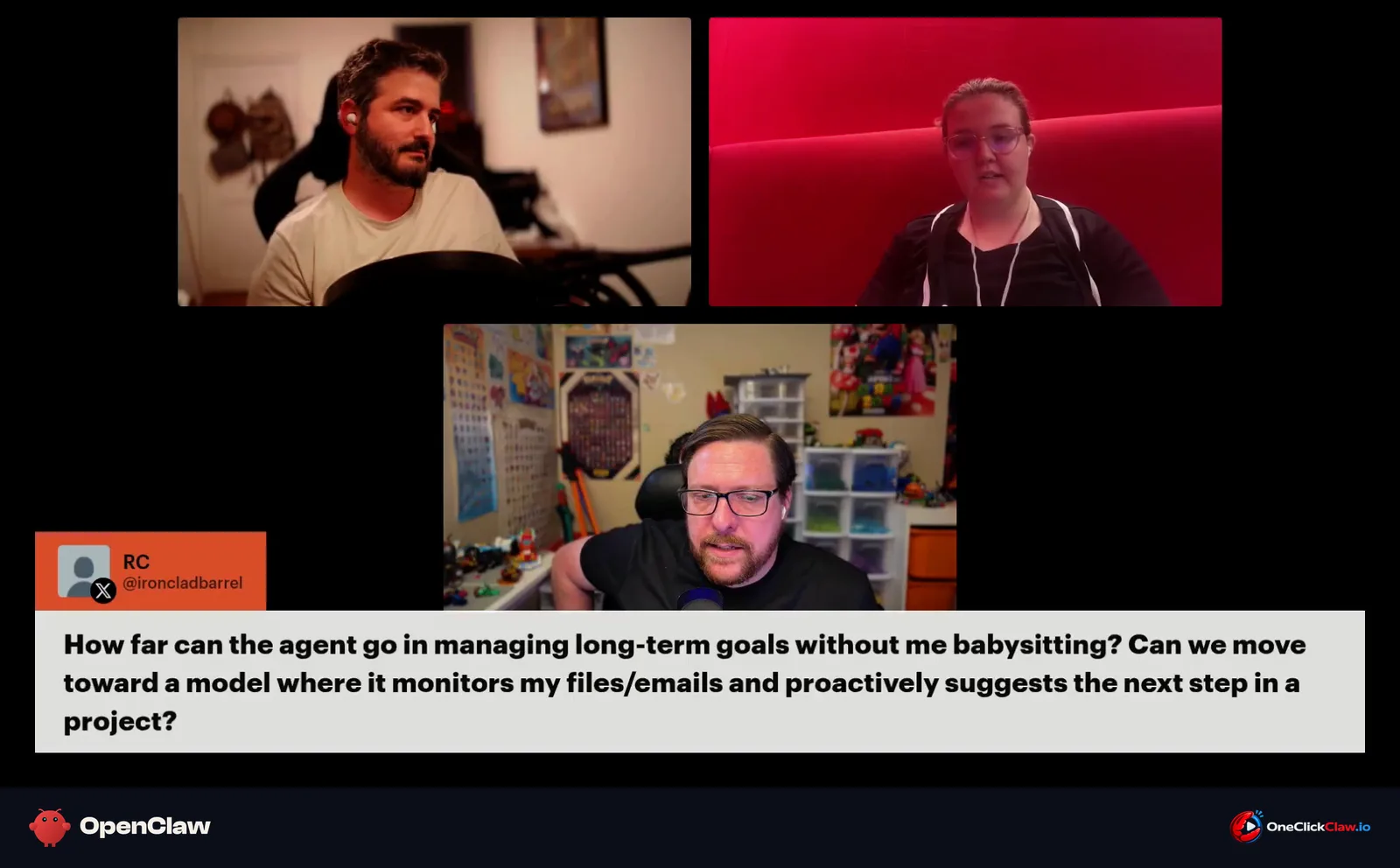
A viewer asked how far an agent can pursue long-term goals without supervision. Vitor said one goal had been running for 22 days, 19 hours and 32 minutes. The length of a run says little by itself, and what counts is a way to check the work, Vitor said. For very long goals, Vitor said, it also helps to show the agent what failure looks like.
On memory, Hannes said OpenClaw already has long-term memory built in and a newer memory system is expected over the coming weeks. Ritz said asking the agent directly to search its memory is a good place to start.
An agent that keeps working
Several setups described in the episode of the 28th of October, from a goal running for 22 days to checks every 15 minutes, rely on an agent that stays online when its owner's laptop is closed. OneClickClaw runs OpenClaw on a dedicated server that is always on, from €14.99 a month on the Starter plan, with a 7-day free trial at oneclickclaw.io.
Source: www.youtube.com
Helpful documentation
Want your own AI agent running without the setup? We host it on a dedicated EU server. Free for 7 days, no credit card.
Start your free trialGet notified when we publish new articles
No spam, unsubscribe anytime.
By subscribing, you agree to our Privacy Policy.